
Tracking Page & Order Lookup
Add your logo, links, products, Instagram feed & more for an engaging experience that drives sales. User friendly, no coding required

by AfterShip
Add your logo, links, products, Instagram feed & more for an engaging experience that drives sales. User friendly, no coding required
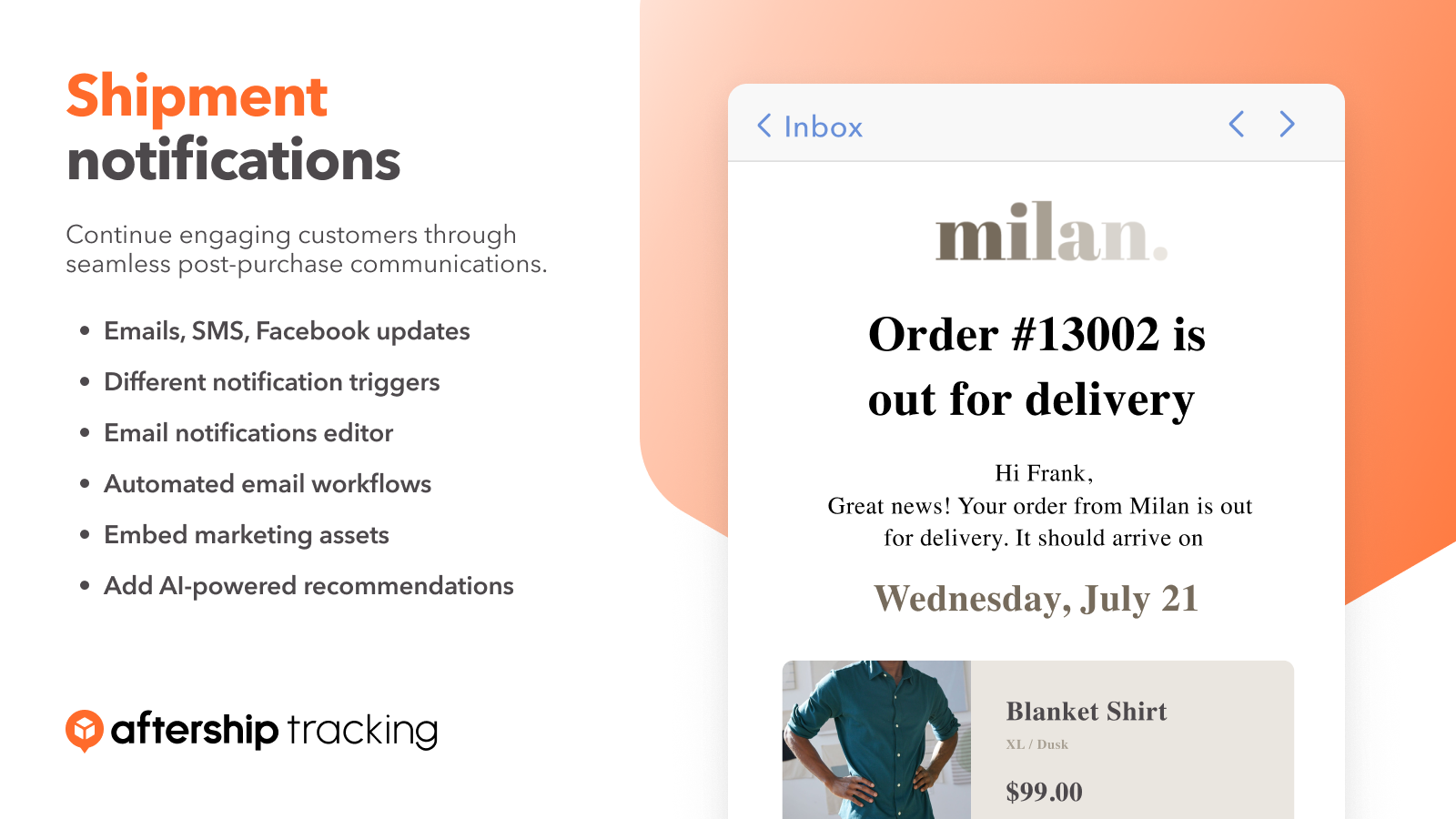
Select 7 different notification triggers. Work with a flexible drag-and-drop email editor. Drive engagement & sales with Klaviyo emails.
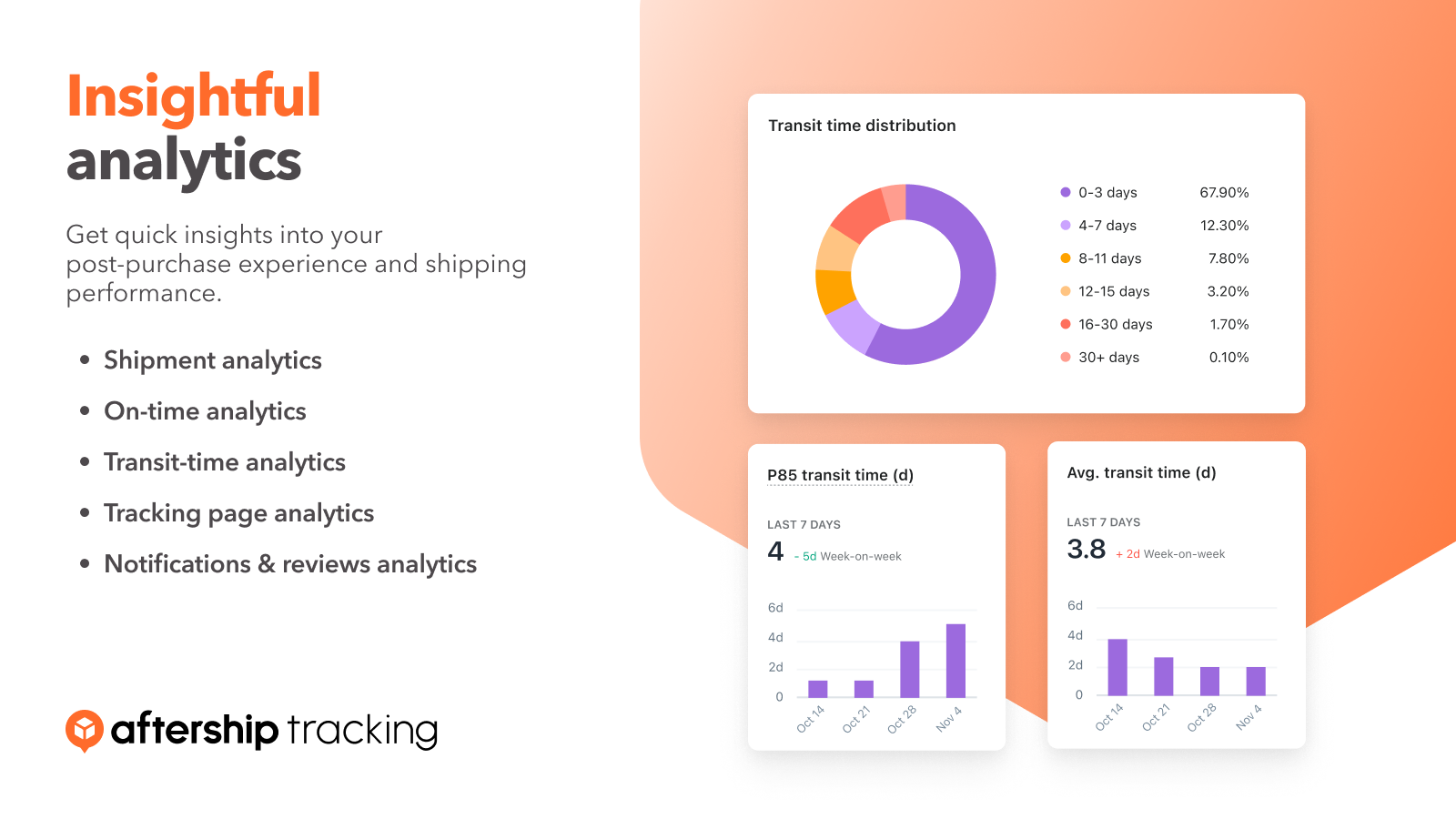
Easily track all order statuses in one place. Find shipments easily by delivery status, carrier, customer email and other parameters.
Preparation: create credentials on Postscript
Step 1: Create a new API key for AfterShip
👉Entrance: Store >> API >> Create Security Pair
Notice: There are two types of key displayed on the page, and you need to click the private key to copy it for the integration. The format of the private key will be sk_XXXXXX
Connection: fill your configuration info on AfterShip
After collecting the private key from your Postscript, you need to fill them on the connection page to corresponding fields.
Select an Shopify store
You need to select one of the Shopify stores that you have connected to AfterShip Tracking. Please make sure that the store you selected is aligned with the store that connected to your Postscript account.
Enter the API key
Enter your API key that you created from your Postscript account. Please make sure the key should be the private key with the “sk” as the prefix.
Send events configuration
Note: To avoid duplicate SMS notifications and use PostScript, please disable AfterShip Tracking SMS notifications.


