Try API Endpoints
AfterShip API docs provide developers with an interactive interface to test the various endpoints. You can try our API on our public Postman workspace as well.
Our API documentation comes with an interactive API Playground where you can apply your API key and make real API requests directly.
We've also provided Postman request collection below.
Import Postman Collection From Our Public Workspace https://www.postman.com/aftership/api-aftership-com/overview
Your can try our API on our public Postman workspace as well https://www.postman.com/aftership
How to use Postman Collection
-
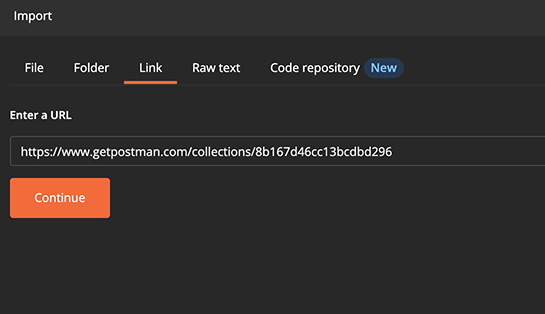
Import the Postman collection through the URL
-
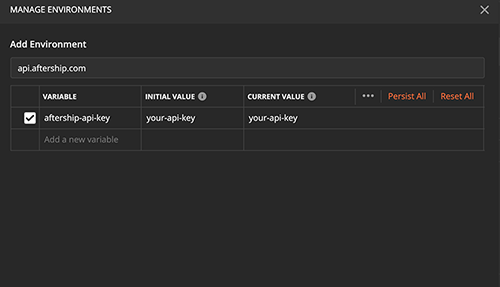
Configurate the AfterShip API Key through the environment variable. The default key is aftership-api-key
-
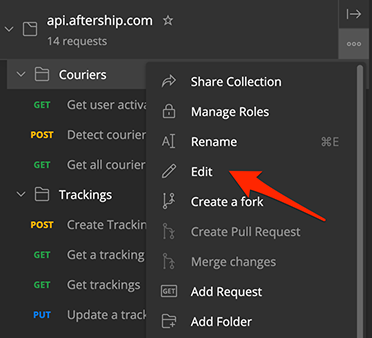
Optionally you can adjust the base URL or use a different API key variable by editing the collection.
Most endpoints require existing data to be able to return something useful. We suggest you start by adding a couple of tracking and attach some notifications receivers to it.