ザジルエクスプレスカンパニートラッキング
統合された
Automatic tracking software built for your carrierGet a free demo
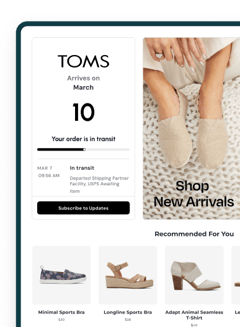

*AfterShip provides package tracking services only. For inquiries about order details, please contact your retailer.
高度な機能
ザジルエクスプレス会社について
ザジルエクスプレス会社は、現代のサプライチェーンのニーズに応える信頼性の高い配送ソリューションを提供する、プロフェッショナルな物流サービスの先駆者として際立っています。この分野での先駆的な企業として認識されているザジルエクスプレス会社は、その業界の専門知識を活用して、スムーズな貨物の移動と包括的な配送管理を実現しています。効率的な運営と一貫した顧客サービスに注力することで、企業や個人の輸送ニーズをサポートし続けています。顧客は、配送プロセス全体を通じて完全な可視性を確保するために、ザジルエクスプレス会社のパッケージをオンラインで安全に追跡することができます。
ザジルエクスプレス会社のパッケージを追跡する方法は?
公式ページでザジルエクスプレス会社のパッケージを追跡する
- 公式の追跡ページにアクセスします:http://zajil.portal.shipsy.in/track
- 追跡入力フィールドを探し、ザジルエクスプレス会社の追跡番号を入力します
- 追跡ボタンをクリックして、出荷の現在のステータスと最新の更新情報を取得します
AfterShip追跡ページでザジルエクスプレス会社のパッケージ/注文を追跡する
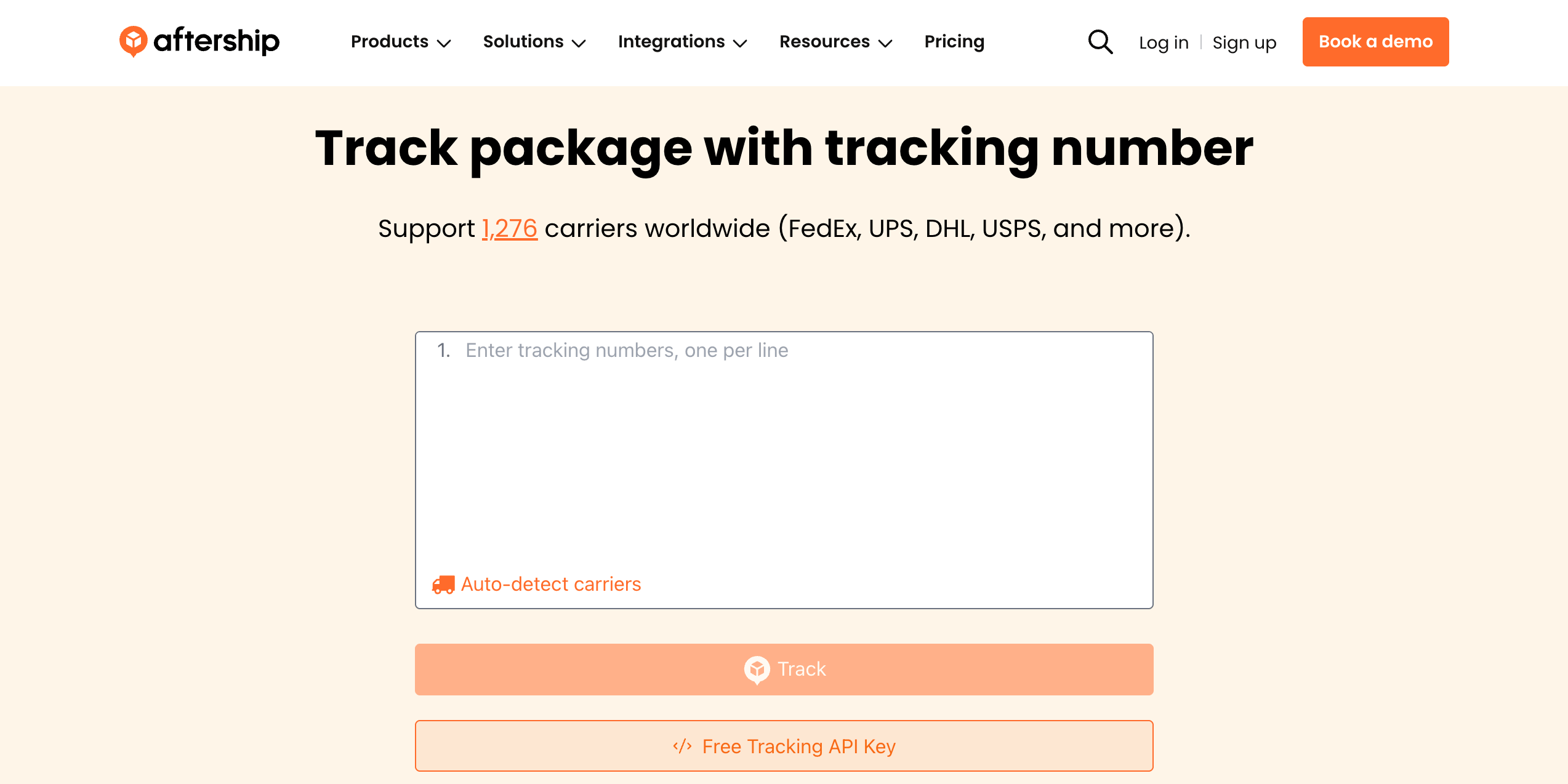
- AfterShip追跡ページにアクセスします
- 検索フィールドにザジルエクスプレス会社の追跡番号を入力します
- 「追跡」をクリックして、リアルタイムの出荷状況と更新情報を表示します
1,200以上の運送業者を一元的に追跡するために、AfterShipを利用して、すべての配送を一箇所で管理しましょう。
なぜZajil Express CompanyをAfterShipと連携して追跡するのか?
✅ 世界中の配送を完全にカバー
✅ 追跡番号での運送業者自動検出
✅ 詳細なステータス通知で追跡の透明性を確保
✅ AIによる高精度な配達予定日
✅ ステータス変更時にメールで最新情報を通知
✅ 効率的な管理のための一括追跡機能
✅ 1,200以上のグローバル運送業者へのアクセス
✅ 多言語対応でグローバルなコミュニケーションをサポート
AfterShipで購入後の体験を強化










Zajil Express Companyとマルチキャリア追跡APIを統合
出荷追跡をシステムまたは Web サイトに簡単に統合して、シームレスな追跡エクスペリエンスを実現します。 AfterShip の追跡 API を使用すると、開発リソースを拡張することなく、複数のタッチポイントにわたる出荷の可視性を提供できます。- グローバル対応範囲: 1,100 以上の通信事業者との統合および 52 以上の言語
- 精度: 正規化されたデータと標準化された 7 つのメインステータスと 33 のサブステータス
- データの整合性: AI は新しい追跡番号パターンの認識を支援します
- 稼働時間と信頼性: 99.99% 以上の稼働時間、ISO 27001、SOC2、および GDPR 準拠

優れたサービスが顧客から認められている