Arco Spedizioni SP 追蹤
融合的
Automatic tracking software built for your carrierGet a free demo
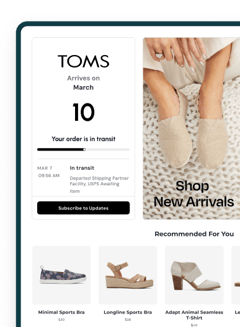

*AfterShip provides package tracking services only. For inquiries about order details, please contact your retailer.
進階功能
關於 Arco Spedizioni SP
Arco Spedizioni SP 已成為意大利主要的貨運公司之一。憑藉堅定的物流承諾,他們提供全方位的運輸解決方案,以滿足企業和個人的多樣化需求,確保貨物在其交付網絡中高效流通。
如何追蹤 Arco Spedizioni SP 包裹?
在官方頁面追蹤 Arco Spedizioni SP 包裹
- 訪問 Arco Spedizioni SP 官方追蹤頁面 https://www.arcospedizioni.it/tracking-spedizione/。
- 找到頁面上的追蹤輸入欄位。
- 輸入您的 Arco Spedizioni SP 追蹤號碼並提交,以查看您的貨件的當前狀態和更新。
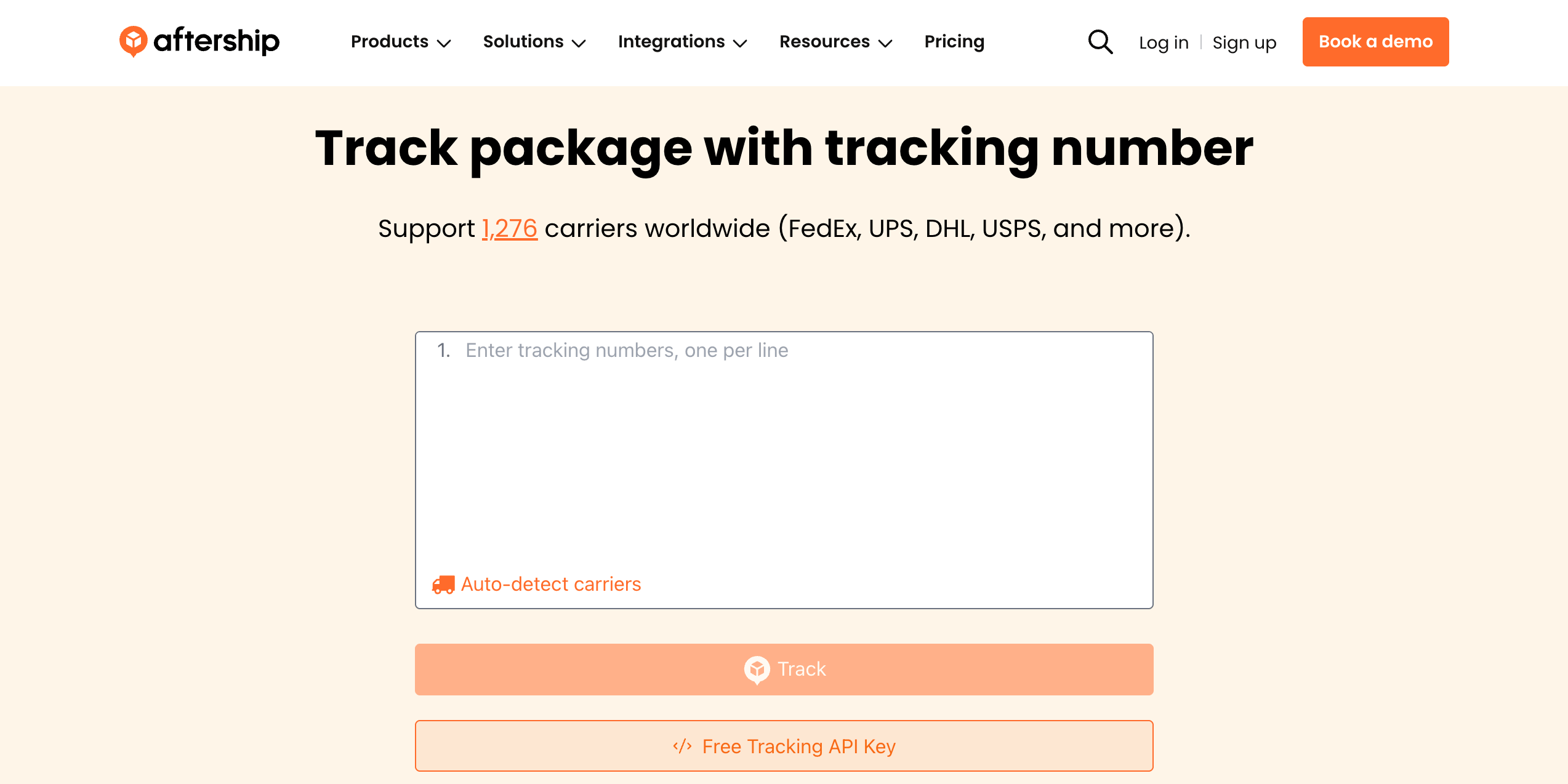
使用 AfterShip 追蹤頁面追蹤 Arco Spedizioni SP 包裹/訂單
- 前往 AfterShip 追蹤頁面
- 輸入您的 Arco Spedizioni SP 追蹤號碼
- 點擊“追蹤”以查看實時貨件狀態和更新
要在 1,200 多個承運商中獲得統一的追蹤體驗,請使用 AfterShip 在一個地方追蹤所有您的貨件。
為什麼要使用AfterShip追蹤並整合 Arco Spedizioni SP?
✅ 支援全球任何貨件,全面覆蓋
✅ 根據追蹤號碼自動檢測承運商
✅ 詳細的包裹狀態通知,提供完整的追蹤可見性
✅ AI 支援的高精度預估送達日期
✅ 狀態變更的電子郵件提醒,持續更新
✅ 批量追蹤能力,提高包裹管理效率
✅ 可訪問 1,200+ 全球承運商,全面追蹤
✅ 多語言追蹤支援,促進全球溝通
透過 AfterShip 改善整個售後體驗










整合 Arco Spedizioni SP 與多承運商追蹤 API
輕鬆將貨件追蹤整合到您的系統或網站中,以獲得無縫的追蹤體驗。 AfterShip 的追蹤 API 可讓您跨多個接觸點提供貨運可見性,而無需佔用您的開發資源。- 全球涵蓋:1,100 多家營運商整合和 52 多種語言
- 準確性:資料歸一化,標準化7個主狀態33個子狀態
- 資料完整性:人工智慧有助於識別新的追蹤號碼模式
- 正常運作時間和可靠性:正常運作時間超過 99.99%,符合 ISO 27001、SOC2 和 GDPR 合規性

因卓越的服務而獲得客戶認可