top banner main image
Start for free. Then get your first month for just $1 on select plans.
Start for free
1.

*AfterShip provides package tracking services only. For inquiries about order details, please contact your retailer.

進階功能

關於EM Freight

EM Freight,也以To My Door品牌運營,是專為大型零售商打造的市場領先的配送公司。他們的核心運營目標是創建一個可靠的配送服務,直接為這些零售商銷售的產品增值,確保終端消費者獲得高品質的購後體驗。

如何追蹤EM Freight包裹?

在官方頁面追蹤EM Freight包裹

  1. 前往EM Freight追蹤頁面
  2. 在頁面上找到追蹤輸入欄,輸入您的指定追蹤號碼。
  3. 提交以追蹤您的EM Freight包裹並查看最新的配送更新。

使用AfterShip追蹤頁面追蹤EM Freight包裹/訂單

  1. 前往AfterShip追蹤頁面
  2. 在搜索欄中輸入您的EM Freight追蹤號碼
  3. 點擊“追蹤”以查看實時的運輸狀態和更新

要在1200多個承運商中獲得統一的追蹤體驗,請使用AfterShip在一個地方追蹤您的所有貨件。
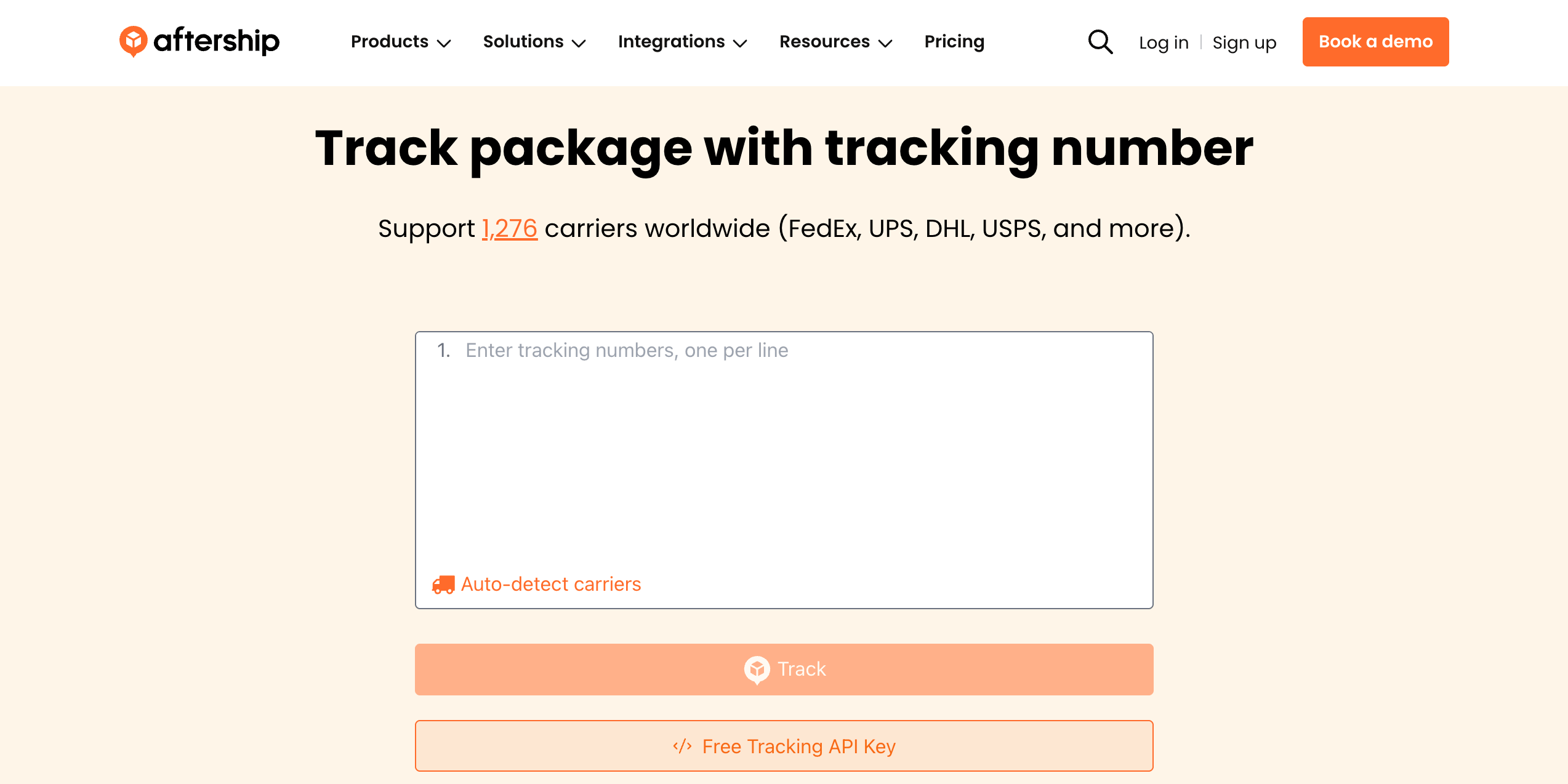
AfterShip包裹追蹤

為什麼要追蹤並將EM Freight與AfterShip整合?

✅ 全面支援全球貨件
✅ 根據追蹤號碼自動檢測承運商
✅ 詳細的包裹狀態通知,提供完整的追蹤可見性
✅ AI 驅動的精確預測送達日期
✅ 狀態變更的電子郵件提醒,提供持續更新
✅ 批量追蹤功能,提高包裹管理效率
✅ 接入 1,200 多家全球承運商,提供全面追蹤
✅ 多語言追蹤支援,促進全球溝通

透過 AfterShip 改善整個售後體驗

Google Drive
Google Drive
Google Drive
Google Drive
Google Drive
AfterShip
Google Drive
Google Drive
Google Drive
Google Drive
Google Drive

整合 EM 貨運 與多承運商追蹤 API

輕鬆將貨件追蹤整合到您的系統或網站中,以獲得無縫的追蹤體驗。 AfterShip 的追蹤 API 可讓您跨多個接觸點提供貨運可見性,而無需佔用您的開發資源。
  • 全球涵蓋:1,100 多家營運商整合和 52 多種語言
  • 準確性:資料歸一化,標準化7個主狀態33個子狀態
  • 資料完整性:人工智慧有助於識別新的追蹤號碼模式
  • 正常運作時間和可靠性:正常運作時間超過 99.99%,符合 ISO 27001、SOC2 和 GDPR 合規性
了解更多有關 EM 貨運 的整合 >
Stars

因卓越的服務而獲得客戶認可

G2 BadgeG2 BadgeG2 BadgeG2 BadgeG2 BadgeG2 BadgeG2 BadgeG2 BadgeG2 Badge
Customer
Customer
Customer
Customer
Customer
Customer
Customer
Customer
Customer
Customer
Customer
Customer
Customer
Customer
Customer
Customer
Customer
Customer
Customer
Customer
Customer
Customer
Customer
Customer
Customer
Customer
Customer
Customer
Customer
Customer
Customer
Customer
Customer
Customer
Customer
Customer
Customer
Customer
Customer
Customer
Customer
Customer
Customer
Customer
Customer
Customer
Customer
Customer
Customer
Customer
Customer
Customer
Customer
Customer
Customer
Customer
Customer
Customer
Customer
Customer
Customer
Customer
Customer
Customer
Customer
Customer
Customer
Customer
Customer
Customer
Customer
Customer
Customer
Customer
Customer
Customer
Customer
Customer
Customer
Customer
Customer
Customer
Customer
Customer
Customer
Customer
Customer
Customer
Customer
Customer