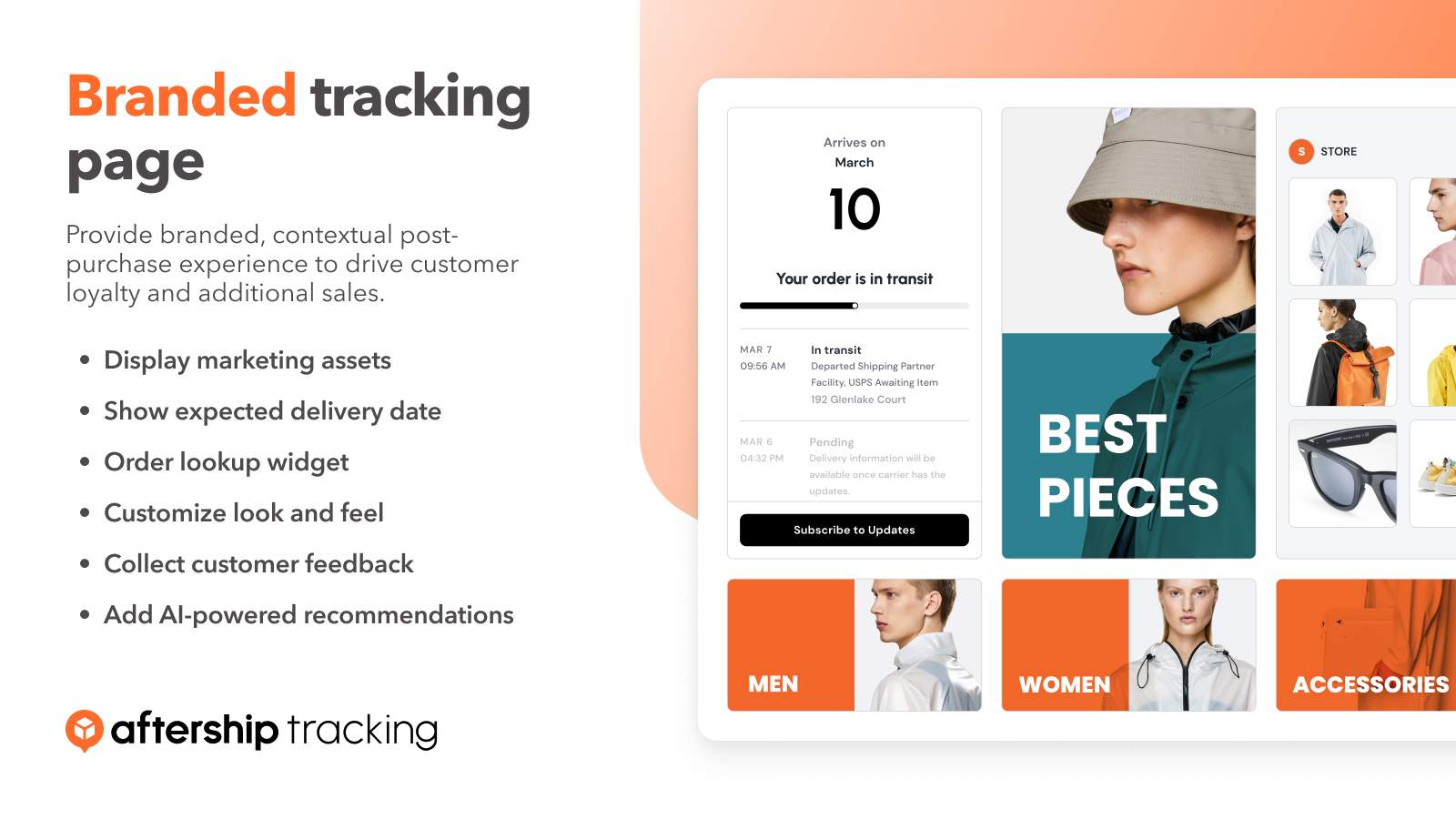
Tracking Page & Order Lookup
Add your logo, links, products, Instagram feed & more for an engaging experience that drives sales. User friendly, no coding required

by AfterShip
Add your logo, links, products, Instagram feed & more for an engaging experience that drives sales. User friendly, no coding required
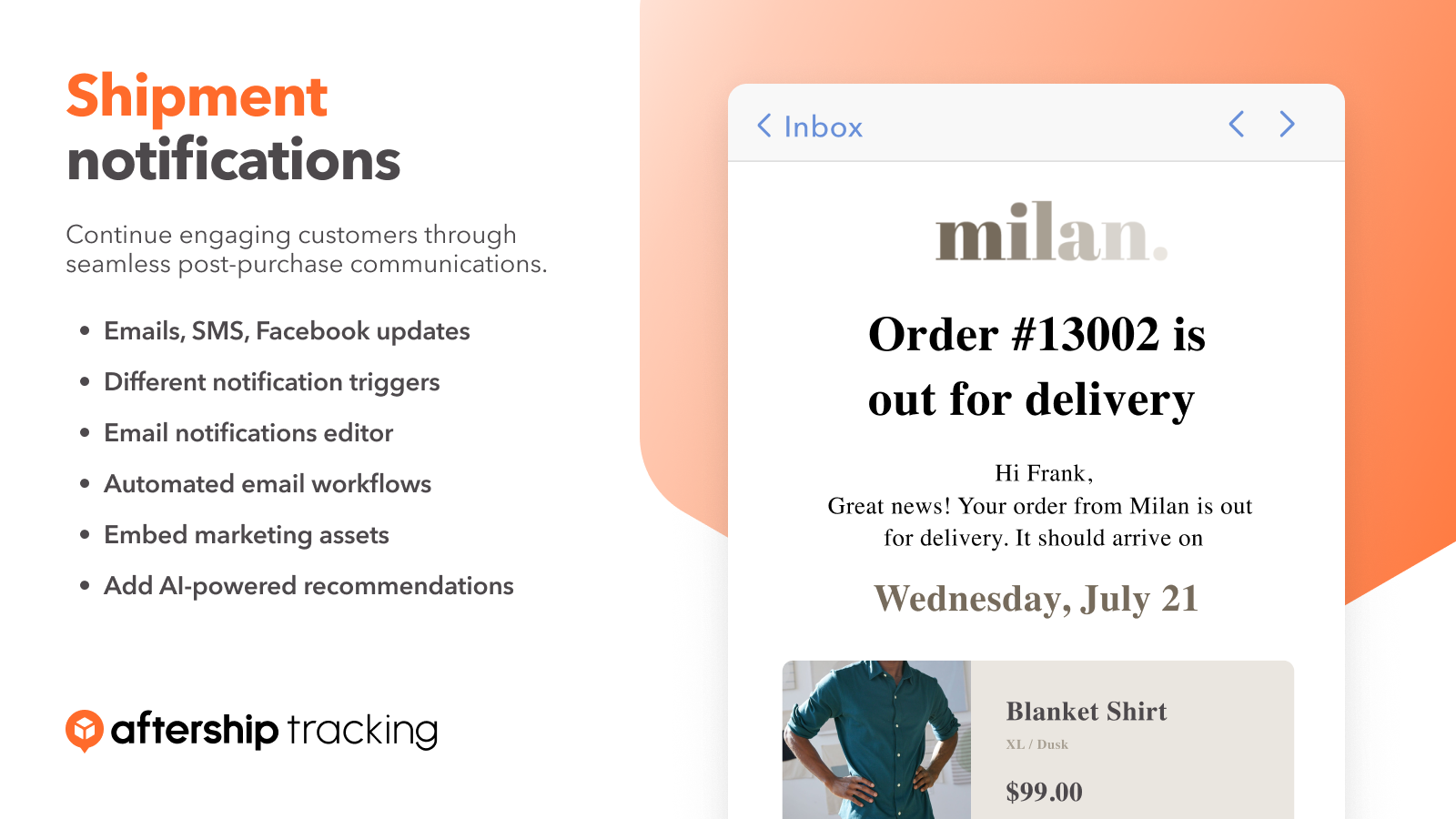
Select 7 different notification triggers. Work with a flexible drag-and-drop email editor. Drive engagement & sales with Klaviyo emails.
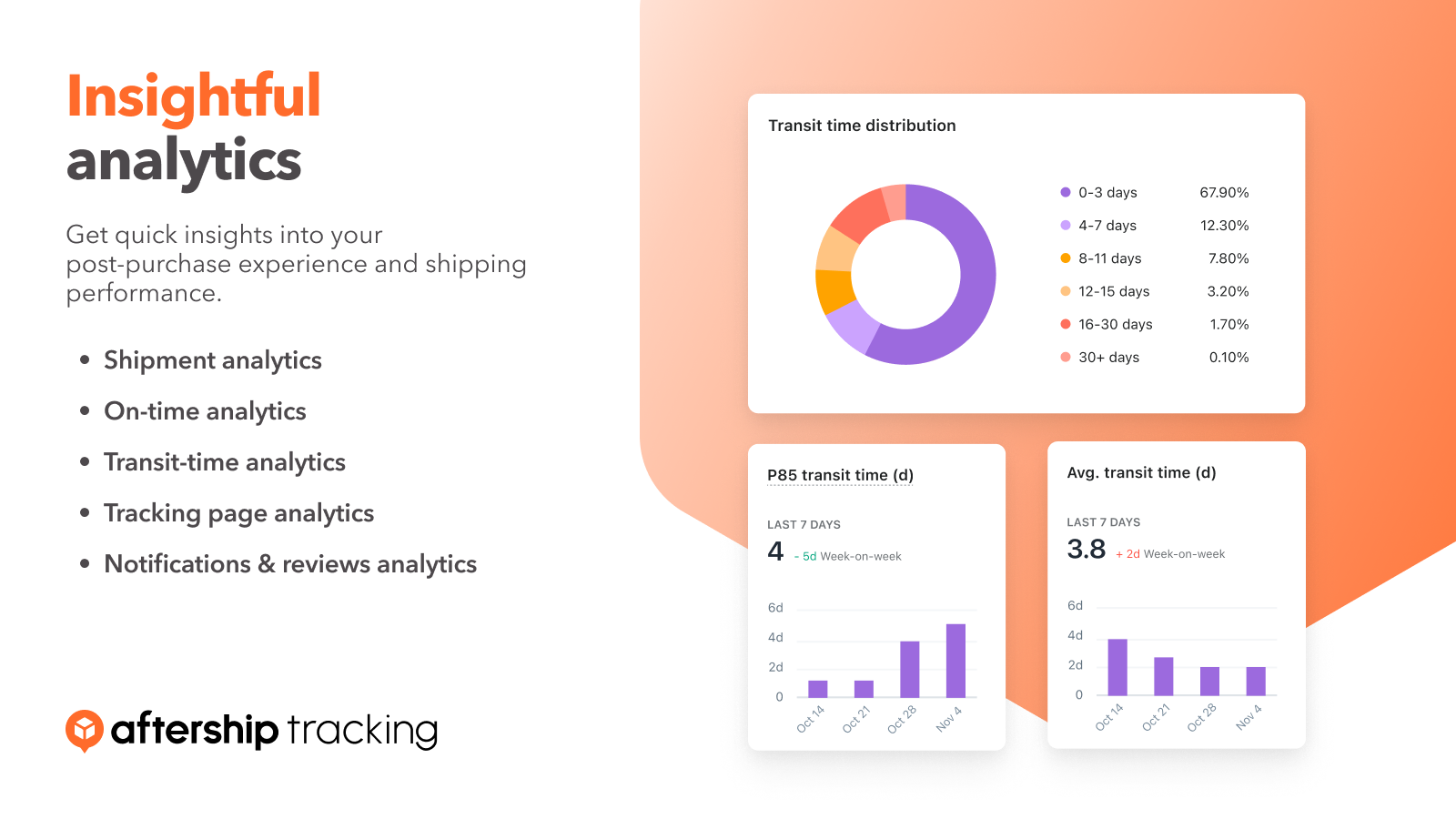
Easily track all order statuses in one place. Find shipments easily by delivery status, carrier, customer email and other parameters.
Apps and add CS-Cart Connector.Customers > Administrators at the top. Select an admin user, copy the email somewhere as you will need it later, and then click the Gear Icon > Edit. Select API Access tab, and check Yes, allow this user to use the API, and copy the API key.Store URL, CS-Cart Admin User Email in step 3 and API key, and click Connect.Shipments imported to your AfterShip Tracking account will be matched with the correct couriers and tracked automatically for free at AfterShip Tracking. Each free account comes with a Dashboard to monitor the current statuses of all shipments. You can also filter your shipments by dates, statuses, couriers and destination. Find out if all your shipments are delivered on time and discover any exceptions.
Upgrade to Premium to send out delivery notifications to customers or yourself. Your choice of notification triggers - In transit, Out for delivery, Delivered, Failed delivery attempt or Exceptions. Use your own email to send out notifications, and customize messages to add store logo, URL, a tracking link to get more returned customers after shipping!


