)
Select Tags
- Map Market Currency from *Shopify Markets Setting
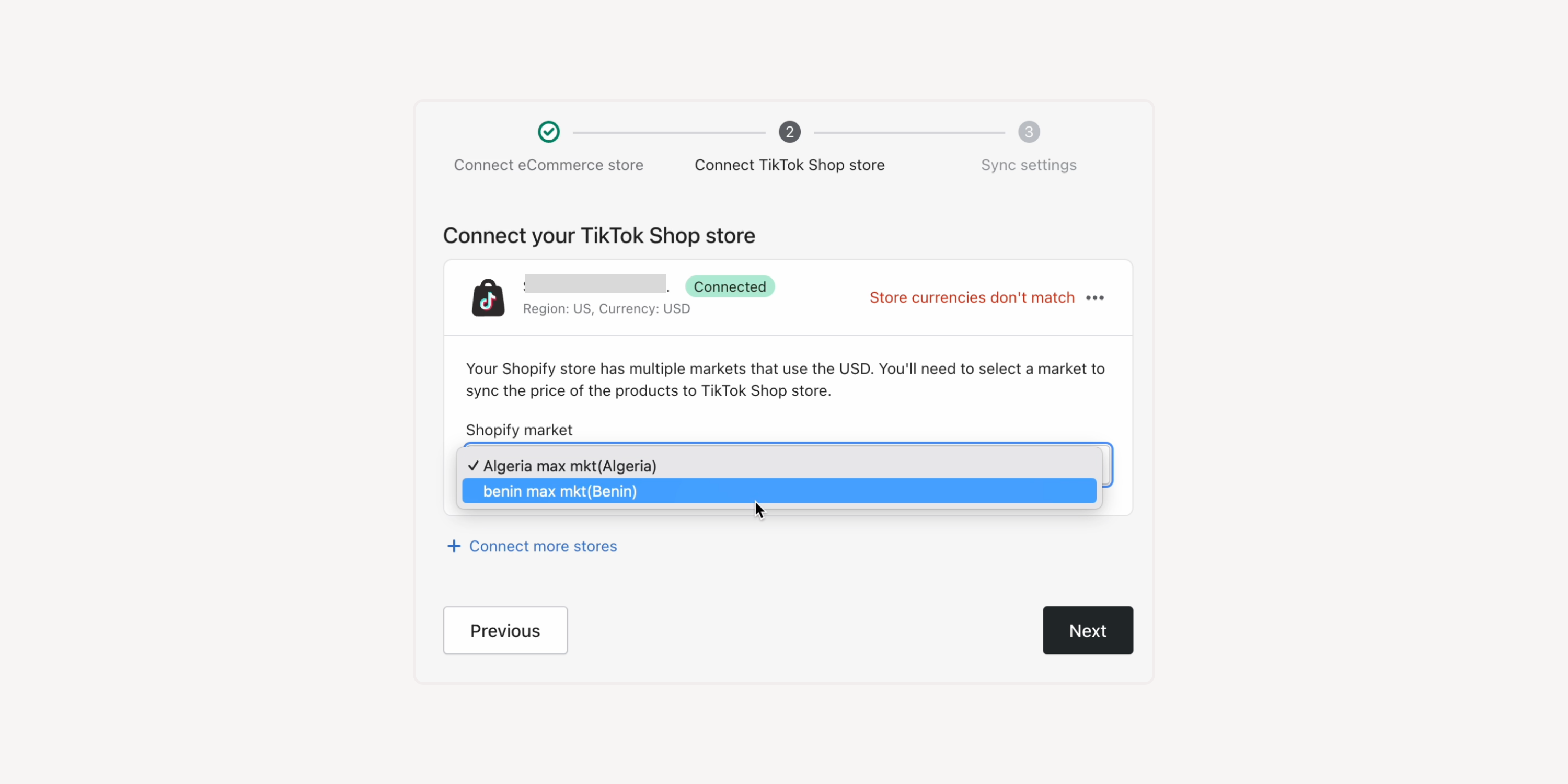
If your Shopify store has multiple markets using the same currency or multiple currencies, you can select the submarket from the Shopify Markets to sync prices. Display the prices as wanted for various markets and unify pricing management in Shopify.
If none of the Shopify Markets’ currencies meets your needs, you can use **Currency Converter to configure exchange rates and convert your eCommerce store's currency to match your TikTok Shop.
*Shopify Markets:
Formerly known as Shopify's cross-border selling solution, it allows businesses to customize experiences for each market, including the store's currency. You can set up prices in different currencies for different markets.
For example, if your default currency on Shopify is GBP, but you have launched the TikTok Shop in the US, you can connect the “US submarket” to show prices in USD. You can also choose to use either EUR or local currencies for European countries, which may have slightly different prices to better suit your needs.
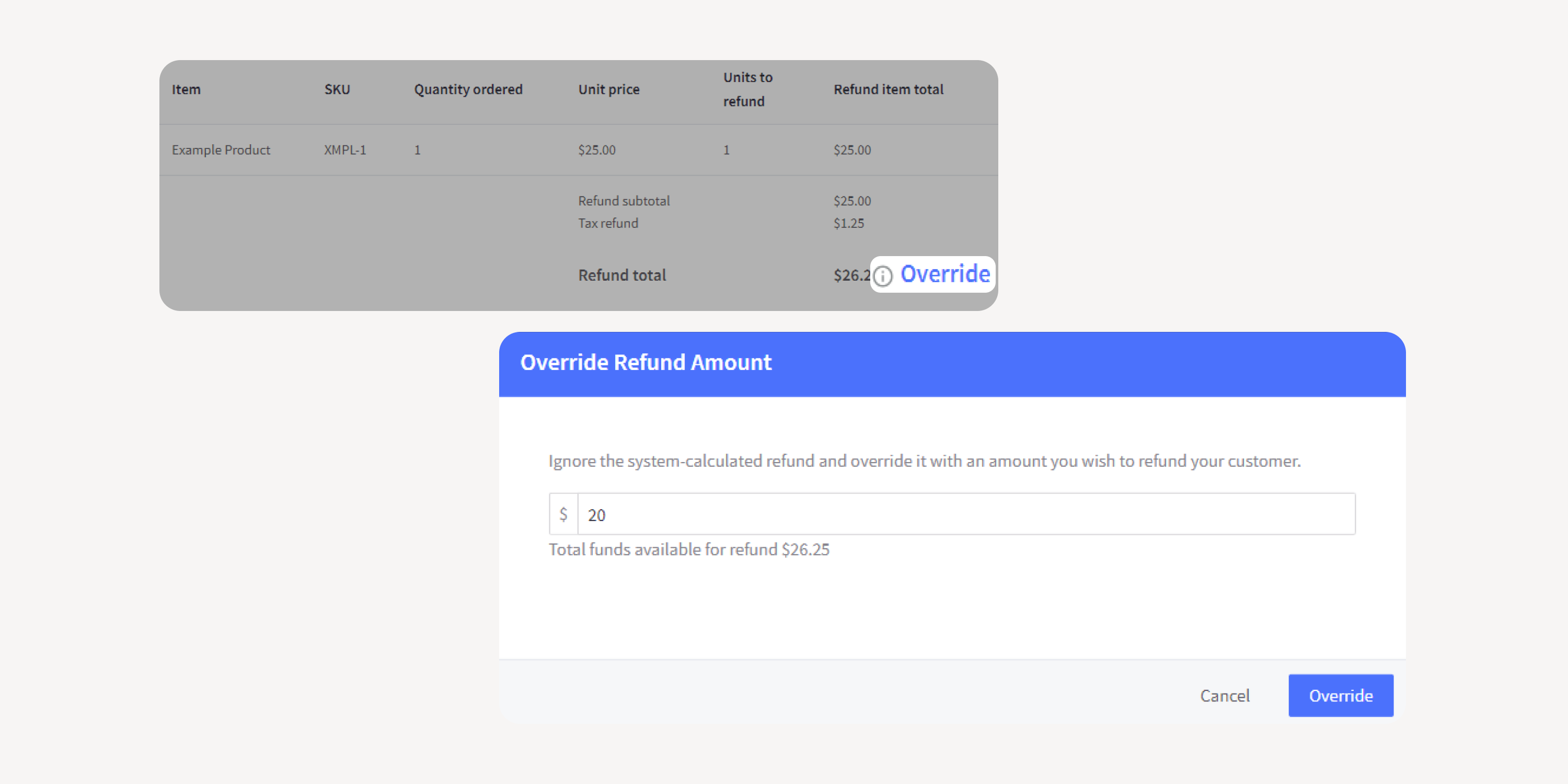
- BigCommerce Refund Override
Upgrade your Returns app permissions in BigCommerce to enable the refund override feature. Unlock the flexibility to deduct return fees or issue partial refunds while ensuring accurate tax numbers.
- Integration with Wix's Refund API
Leverage the integration with Wix's Refund API to unlock more advanced features in AfterShip Returns. Achieve the same level of return and exchange management experience as on other platforms.

Failed to load more updates.
Share your Wishlist for AfterShip
Got brilliant ideas? We're all ears! Submit your thoughts through the Idea Portal today.

:fill(transparent))
:fill(transparent))