)
Products
Tags
Select Tags
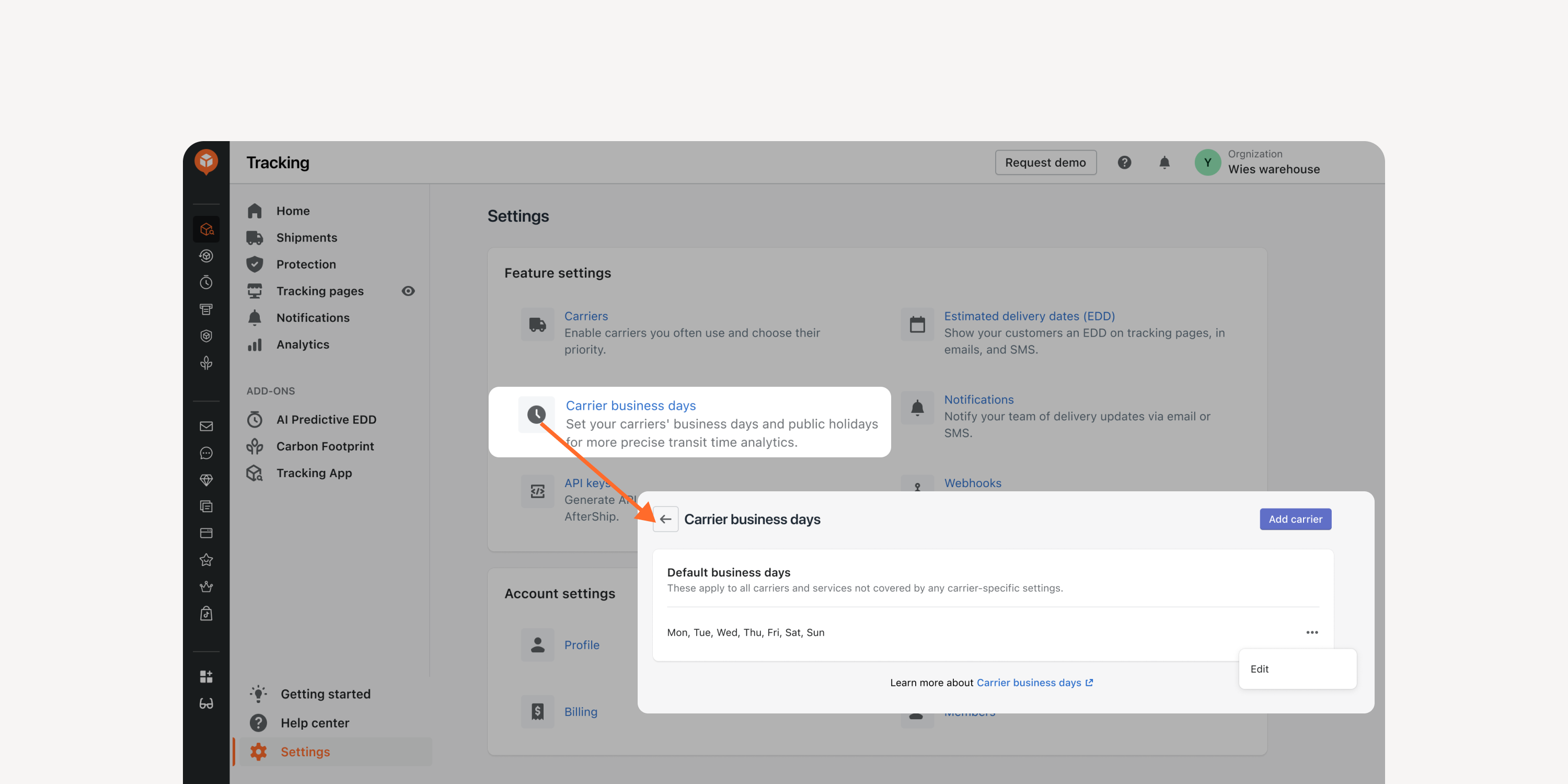
- Exclude business days in transit time
Adjust the processing time calculation by excluding business days to match carriers’ calculation methods. Better align with carriers’ SLA and enhance shipping performance monitoring.
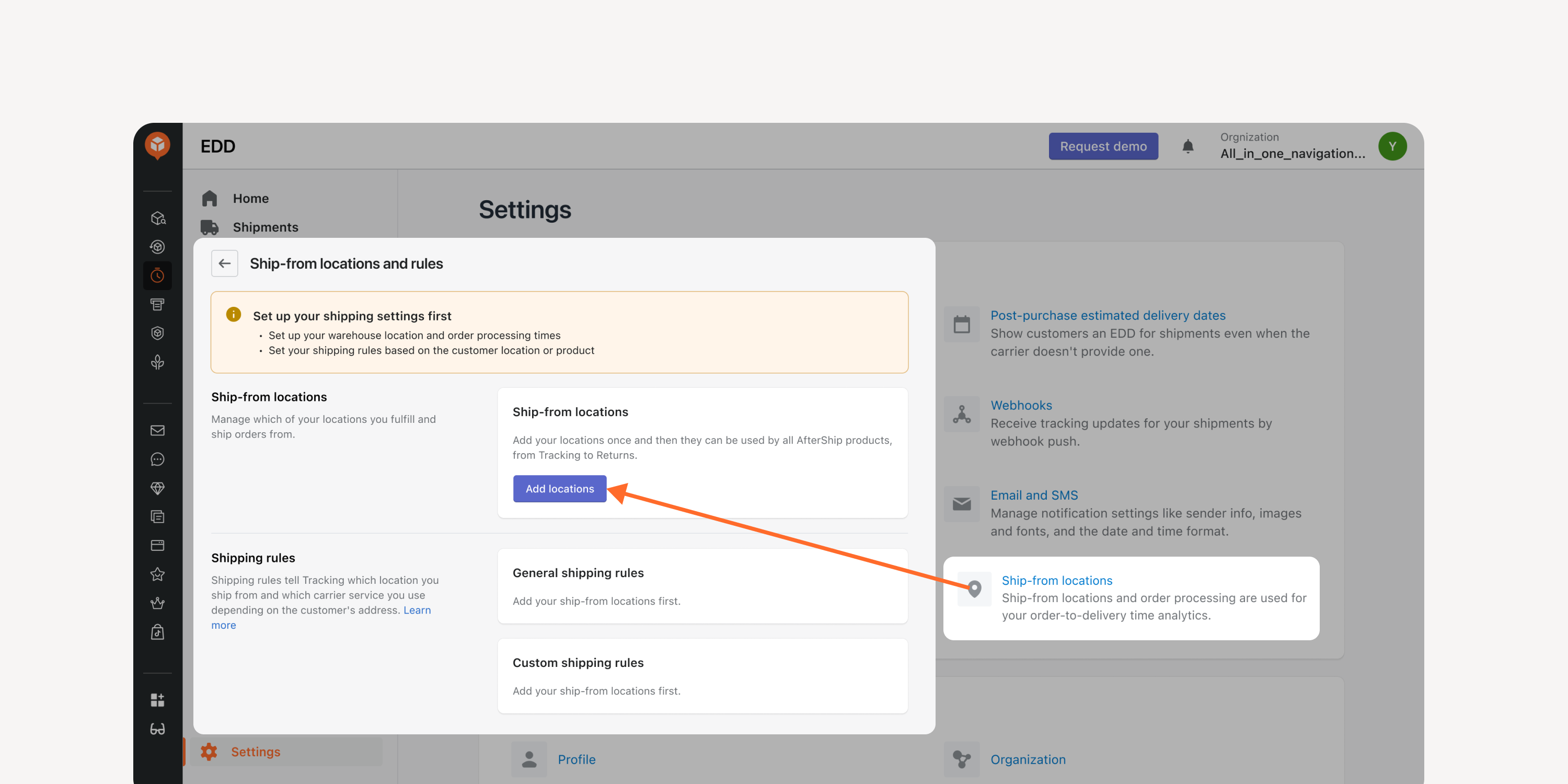
- Multiple shipping location setting
Factor in different shipping locations for accurate order-to-delivery time calculation. Improve data accuracy and optimize the internal processing time, carrier pickup time, and shipment transit time.
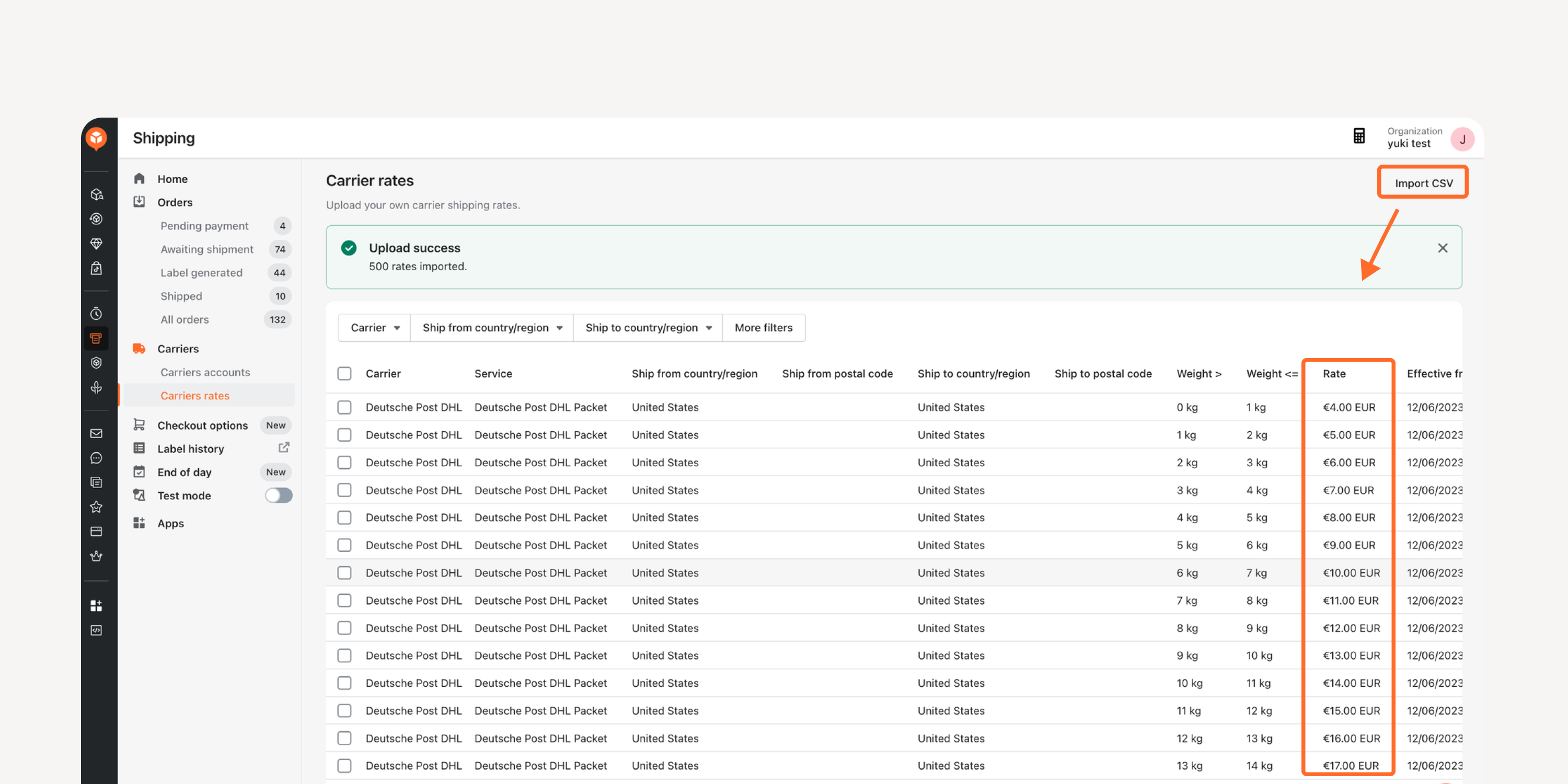
- Carrier rates calculation
Calculate carrier rates, even for carriers that lack rate calculation capability, by uploading your contract prices through a CSV file. Select the most suitable carrier based on your needs.
*Applicable to ENT users
Failed to load more updates.
Share your Wishlist for AfterShip
Got brilliant ideas? We're all ears! Submit your thoughts through the Idea Portal today.

:fill(transparent))
:fill(transparent))