)
Products
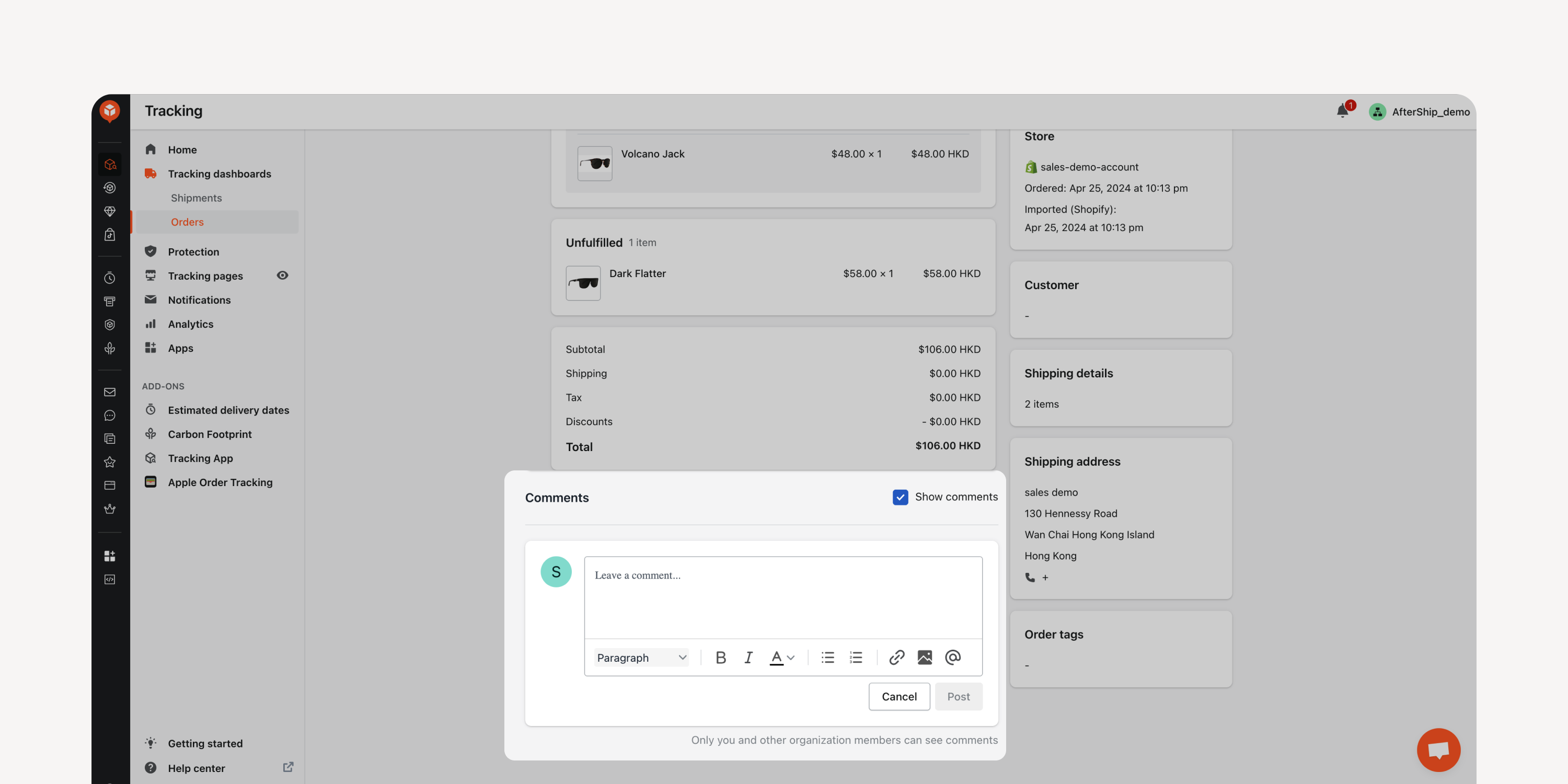
- Comments in Orders Dashboard
Comment on and assign followers directly within the “Orders” dashboard. Foster seamless internal collaboration without the need for external communication via email.
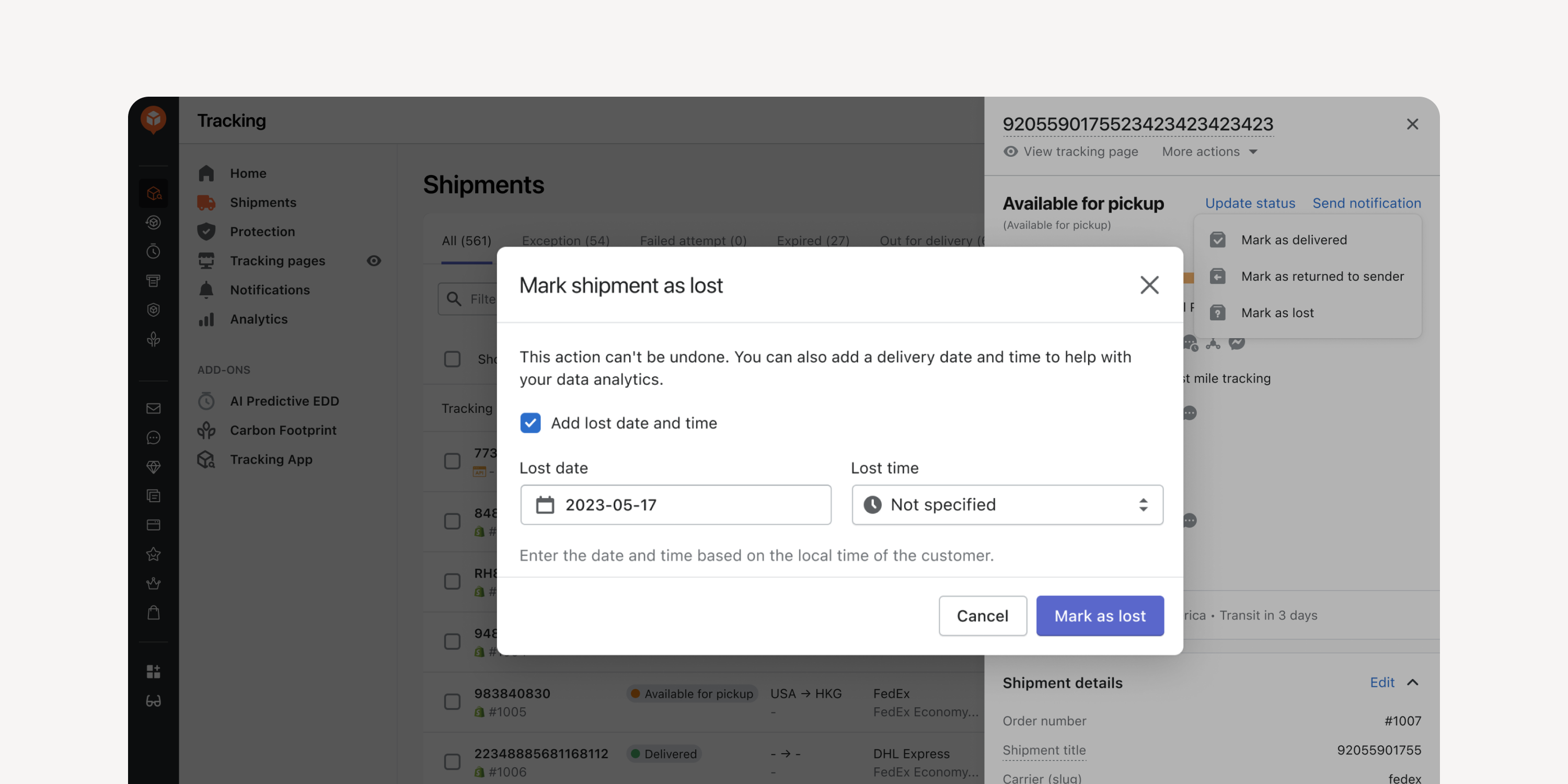
- Date Entry for Returned and Lost Shipments
Enter the date and time when manually marking shipments as “returned to sender” or as “lost”. Incorporate this data into your exceptions reports for improved data accuracy.
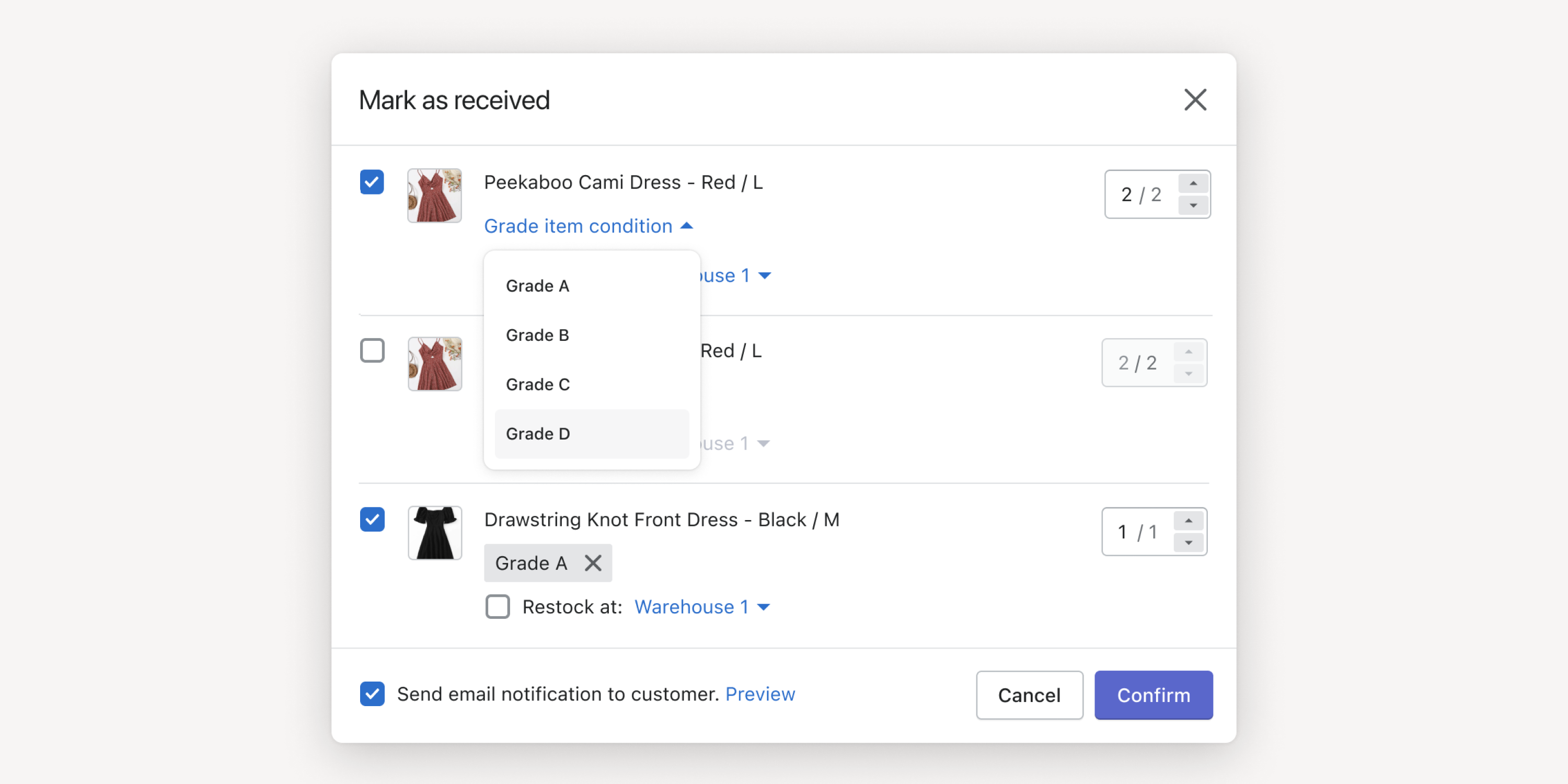
- Item Grading
Set item grades when marking items as received and trigger auto-refund based on grades. Facilitate warehouse inspections and reduce financial losses due to potential returns fraud.
* Auto-refund accessible by Premium and Enterprise plan users
Failed to load more updates.
Share your Wishlist for AfterShip
Got brilliant ideas? We're all ears! Submit your thoughts through the Idea Portal today.

:fill(transparent))
:fill(transparent))