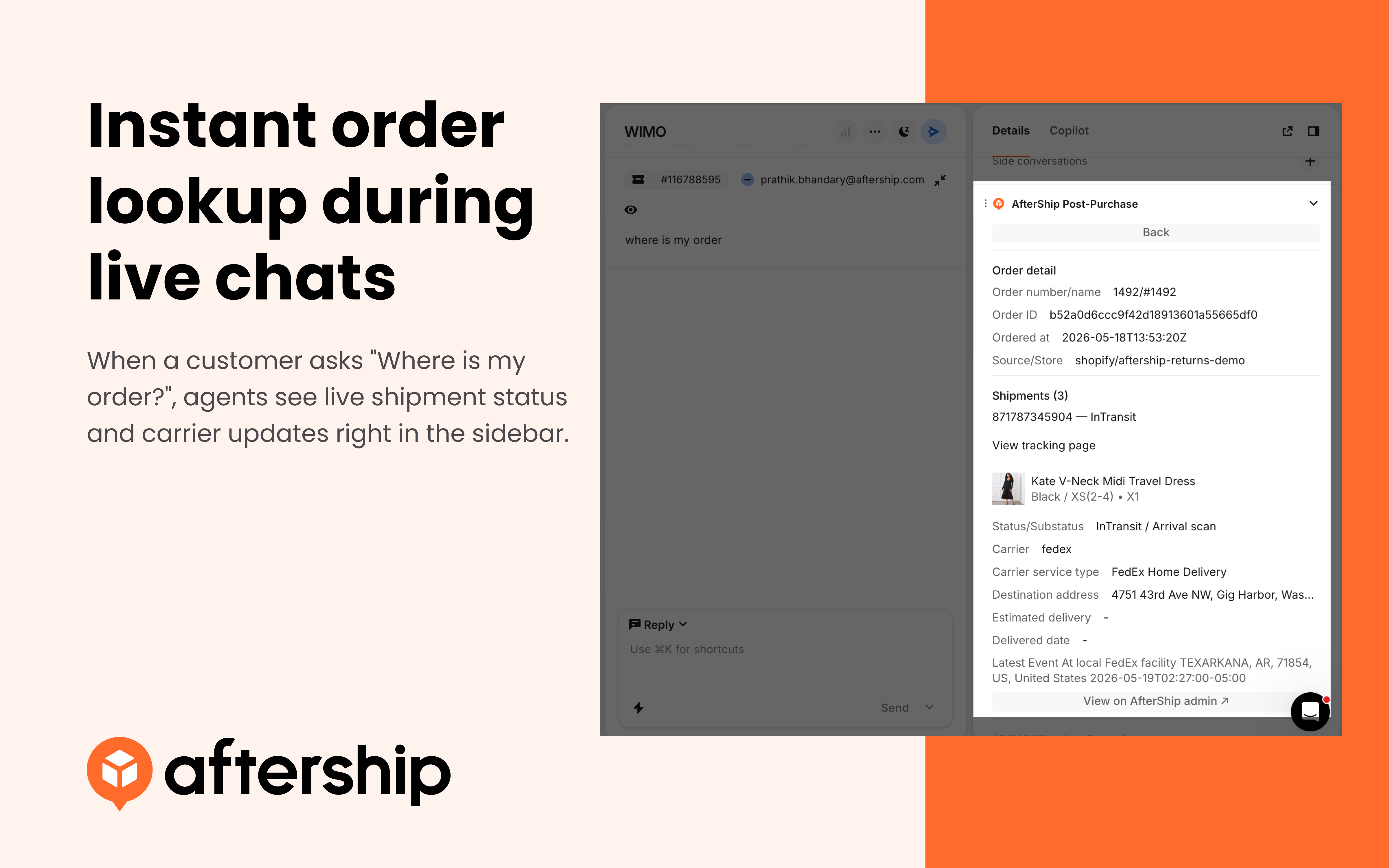
Instant order lookup during live chats
When a customer asks "Where is my order?", agents see live shipment status and carrier updates right in the sidebar.

by AfterShip
When a customer asks "Where is my order?", agents see live shipment status and carrier updates right in the sidebar.
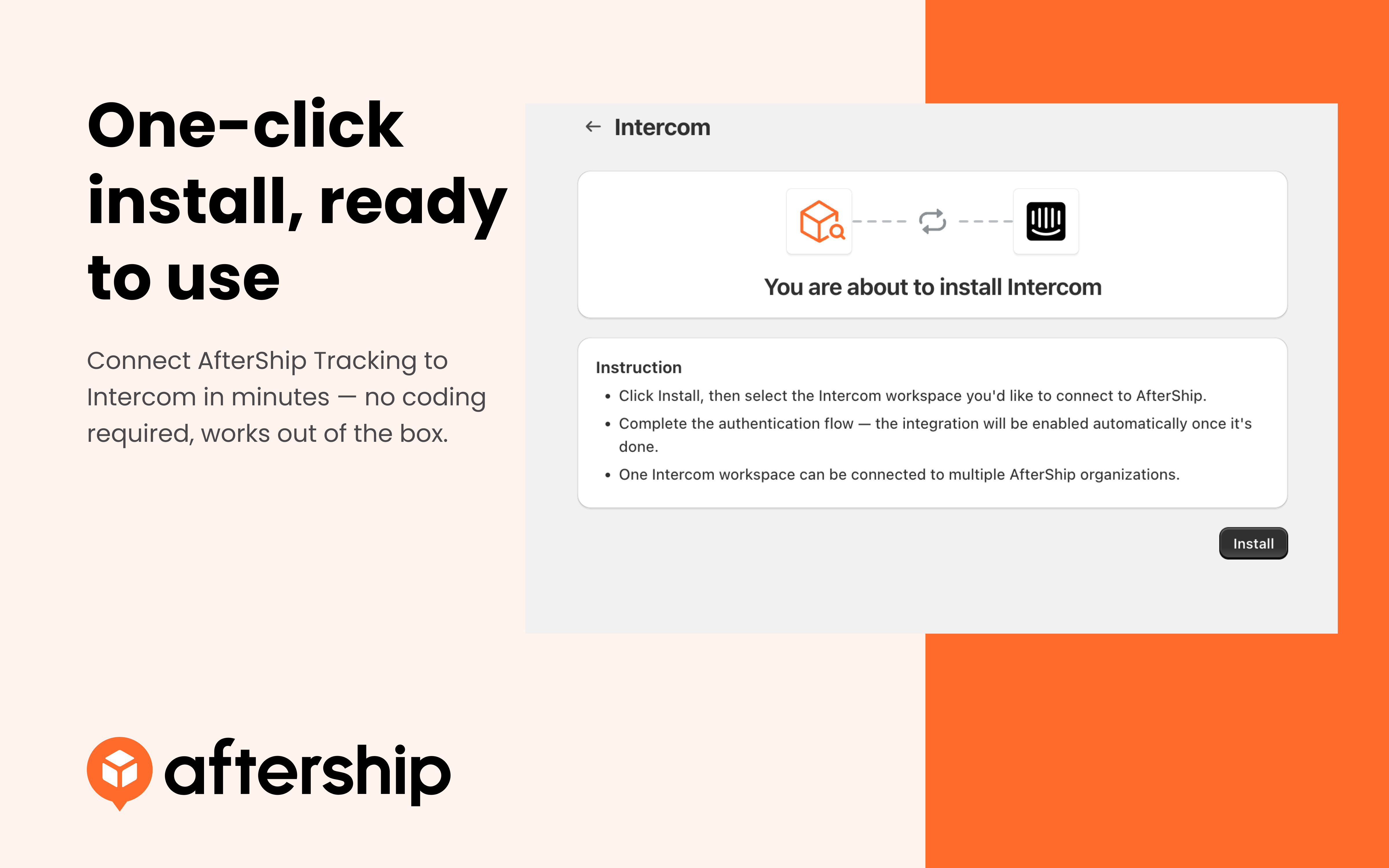
Connect AfterShip Tracking to Intercom in minutes — no coding required, works out of the box.

Agents can switch between AfterShip organizations from the top of the widget
Overview
View real-time shipment status, carrier updates, and delivery timelines inside every Intercom conversation.
Description
Connect AfterShip Tracking to Intercom and give your support agents instant access to shipment data directly in the Conversation Details sidebar. When a customer reaches out, agents can look up any shipment by tracking number, order number, or customer email, view the full checkpoint timeline, carrier details, and estimated delivery date — all without leaving Intercom.
Use Cases
