Congratulations on your first sales! Now for the 'fun' part: shipping. You wait in line at the Post Office, pay a price that makes your eyes water, and think, 'There has to be a better way.' You see other sellers talking about 'Shippo,' and a new wave of confusion hits. Is it a shipping company? Do you use it instead of USPS? Let's clear this up, simply.
The short answer: you use shipping software with USPS, not instead of it, and buying your labels online is what gets you a lower price than the counter.
Is It Shippo or USPS? The Answer is Both.
You're not the first to ask. As a new seller on the Shopify Community put it: "Will it be cheaper to ship via a commercial account with USPS or through Shopify?"
Think about how you book a flight. You open Kayak, see United, Delta and the rest side by side, pick the one that suits you, and an airline still flies the plane. Kayak is where you compare and choose. The airline does the work.
Shipping software works the same way. It is the screen where you compare your options and buy the label, and the carrier still moves the box. You don't choose between Shippo and USPS. You use shipping software, such as Shippo or AfterShip Shipping, alongside USPS.
Shippo and AfterShip are software companies. They own no trucks and no planes; USPS, UPS and FedEx do the driving, the flying and the delivering.
So when you see "Shippo vs USPS," read it as Shippo and USPS: you use shipping software with carriers like USPS, not as a replacement.
You keep USPS. What changes is where you buy the label, and what it costs you.
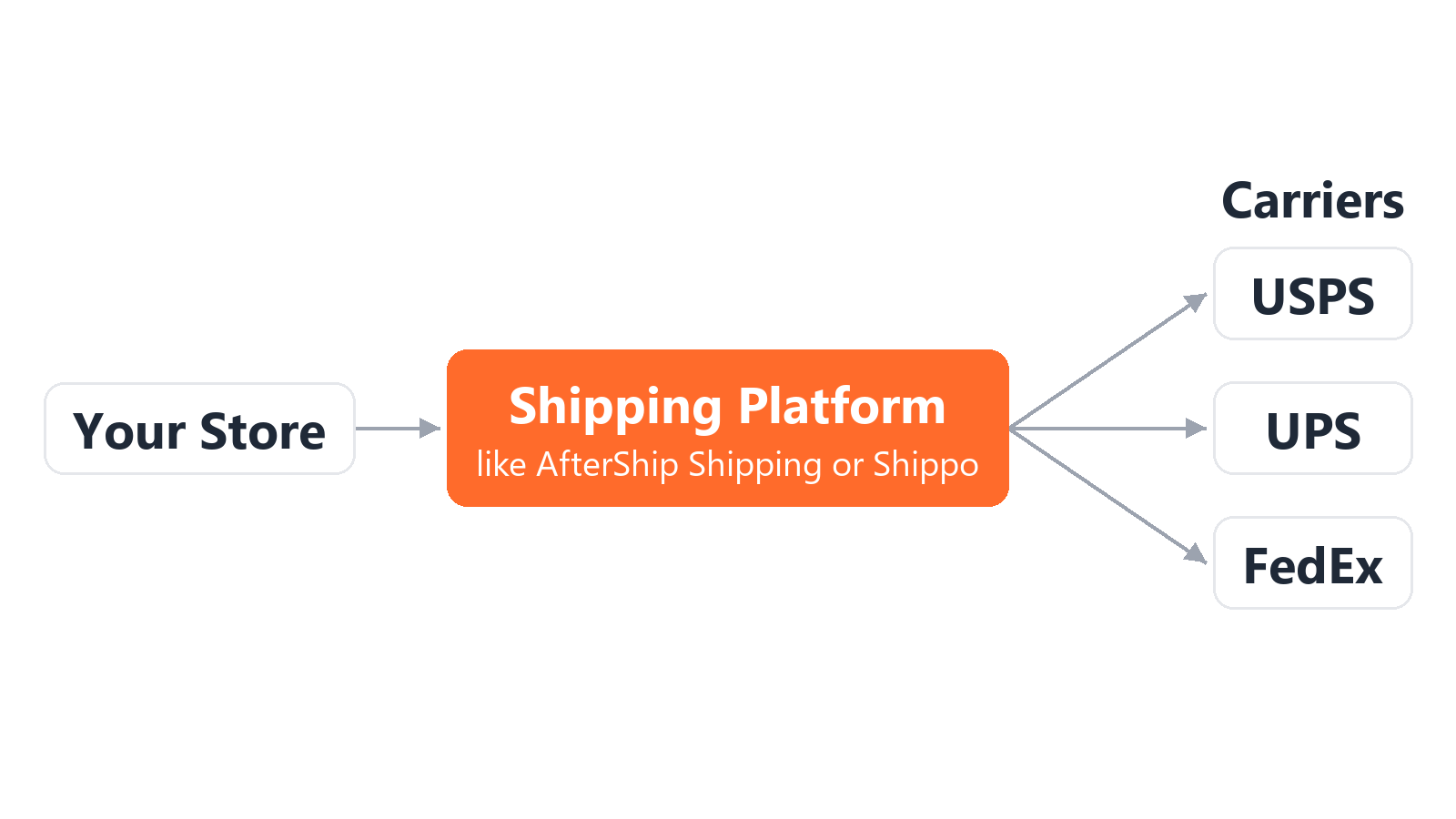
How Shipping Software Actually Works: A 4-Step Guide
So how does e-commerce shipping work once software is involved? Most tools in this category follow the same four steps, as long as they connect to the platform you sell on.
- Connect your store. You link your store once, and new orders flow in on their own. No copying addresses by hand.
- See your options. For each order you get rates side by side: USPS against UPS and other carriers, for that exact box and destination. A carrier's own site shows you only its own prices. If you want the background on the two names you'll see most, compare other popular carriers like UPS vs. USPS before you pick.
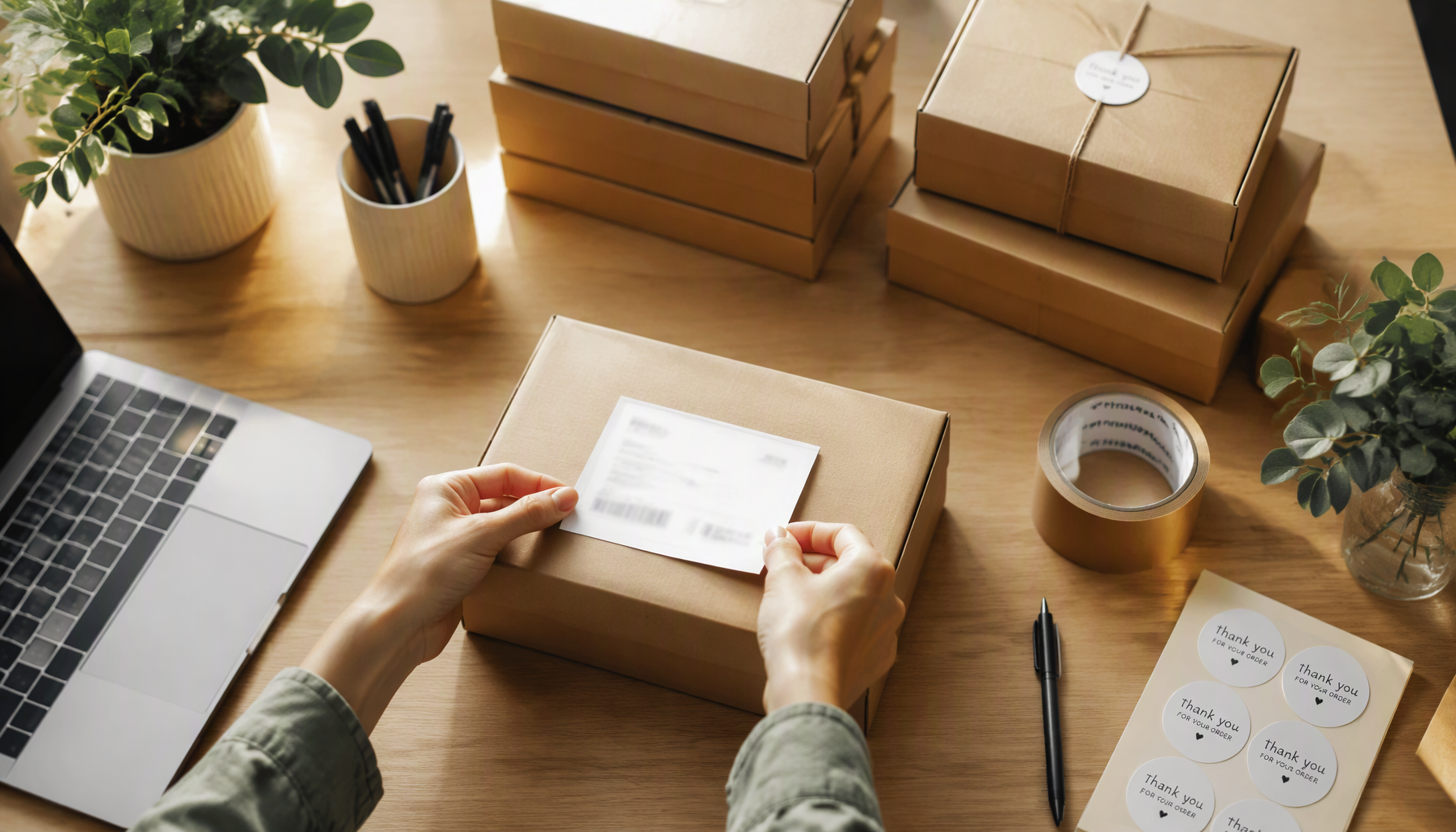
- Print your label. Click to buy, print it on a home printer, and tape it to the box. The tracking number goes back to your store automatically, so your store can share it with your buyer without you writing an email.
- Skip the line. Buying online means you never need the counter. USPS also offers free Package Pickup from your address for eligible packages, scheduled at usps.com.
The #1 Reason to Buy Labels Online: USPS Commercial Pricing
So why is the same package cheaper online?
USPS publishes two prices for the same service. A retail price at the Post Office window, and a lower commercial price for labels bought and printed online. Same trucks, same service, same delivery time. USPS says so on usps.com: "All users automatically get discounted commercial pricing when you order with Click-N-Ship."
So the discount comes from buying online, wherever you buy the label.
What software adds on top:
- USPS, UPS, FedEx and DHL side by side for the same box and the same zone (the distance band between your ZIP code and your buyer's). For UPS, FedEx and DHL, shipping software provides access to cheaper, pre-negotiated carrier rates.
- Your store's orders imported automatically.
- The tracking number written back to your store.
- Cubic pricing, a USPS price for small, heavy boxes that label tools selling PC Postage can offer and Click-N-Ship does not.
Example: USPS Retail vs. Commercial Pricing (2026)
| Service (2 lb package, Zone 5) | Post Office counter (retail) | Bought online (commercial) |
|---|---|---|
| USPS Ground Advantage | $14.10 | $9.95 |
| Priority Mail | $16.85 | $13.17 |
Source: USPS Notice 123, effective July 12, 2026.
Buying online saves $4.15 on one 2 lb USPS Ground Advantage label to Zone 5.
Can't I Just Use USPS.com Directly?
Yes, you can.
USPS Click-N-Ship is free with a USPS.com account. It gives you the same commercial prices, and it handles batches, including importing up to 1,000 labels from a file. If USPS is the only carrier you use, going directly to USPS with their Click-N-Ship tool will get your parcels out the door.
Where it stops is choosing between carriers and pulling in orders from a marketplace.
Click-N-Ship prints USPS labels only. It won't compare other carriers side by side, it names no marketplace connection, and it doesn't sell cubic pricing.
Shipping software is for the seller who wants store orders and several carriers on one screen.
Beyond Shippo: What Are Your Options for 2026?
So which tools will you run into? Here are three; for more, see other popular tools for small businesses and a complete ranking of shipping software.
Shippo is a platform used to buy and print USPS labels online. It has a free Starter plan and paid Pro plans priced by label volume, plus postage on every label.
Pirate Ship charges no software fee: you pay only for your labels, on USPS and UPS.
AfterShip Shipping has a Free plan with discounted USPS rates, paid plans priced by label volume, and connections to Shopify, BigCommerce, WooCommerce and TikTok Shop. Every plan includes Smart Carrier Recommendation, which excludes carrier services with a high exception rate for the shipment's origin-and-destination lane, based on AfterShip tracking data.
AfterShip Shipping does not connect to Etsy. Etsy's help center names Shippo and ShipStation as the third-party shipping apps that sync with an Etsy shop. If you sell on Shopify now, or plan to as you grow, AfterShip Shipping connects to your store in a few clicks.
What to Look For in Your First Shipping Tool
Picking the best shipping software for small business comes down to four questions.
- Ease of use and integration. Does it connect to your store in a few clicks? The answer depends on the platform you sell on, so check your own platform before anything else.
- Transparent pricing. Can you see every cost before you commit: any monthly plan, any per-label charge, and the postage itself?
- Discounted rates. Does it offer USPS commercial pricing from day one? All three tools above do, and AfterShip Shipping includes discounted USPS rates on its Free plan.
- Support. Is someone there when a package goes missing? Check what support each plan includes before you pick one.
AfterShip is trusted by 20,000+ retailers, as its About Us page notes.
Why Smart Sellers Think Beyond the Label
Printing the label is step one. The next thing your buyer wants to know is where their order is.
AfterShip Tracking is a separate product, with its own subscription. It adds branded tracking pages and proactive delivery notifications, which means fewer "Where is my order?" (WISMO) emails landing in your inbox.
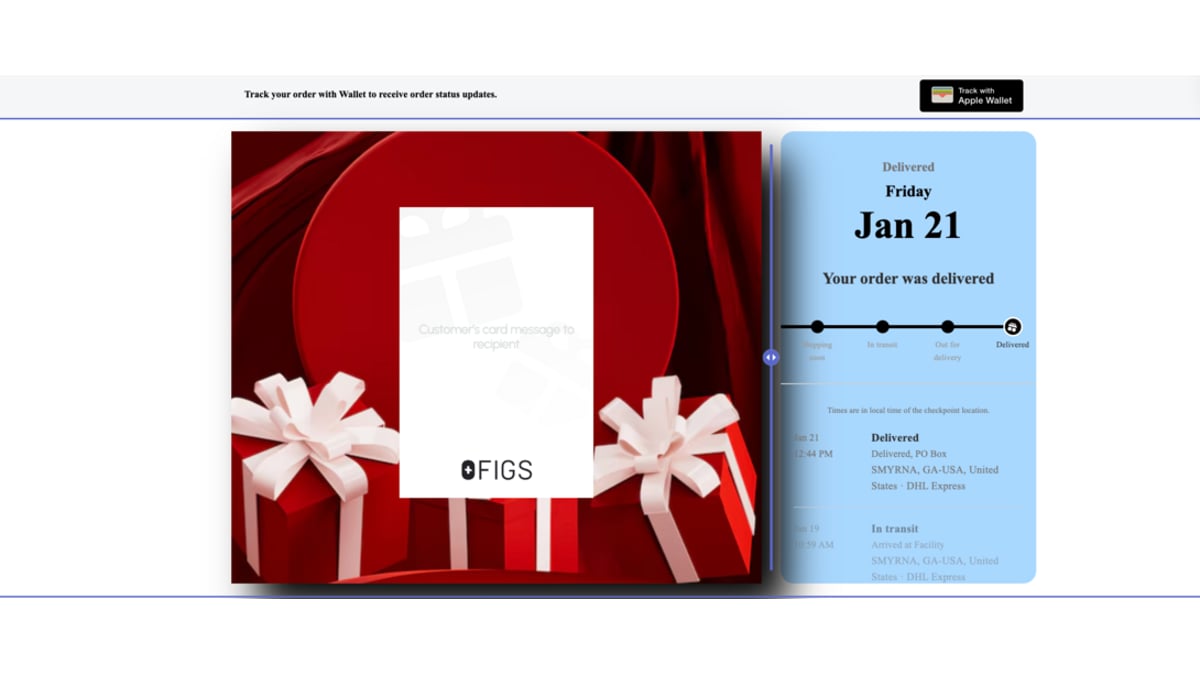
If you run both, AfterShip Shipping can pass each new label's shipment straight into AfterShip Tracking. Turn on auto-sync under Settings > Tracking > Enable auto-sync. It needs an active AfterShip Tracking subscription and it uses your Tracking quota.
When those questions start arriving, AfterShip Tracking is the natural next step after the label.
Simplify shipping and order fulfillment across Shopify, TikTok Shop, and your carrier network.
Book a demoFrequently Asked Questions
What's the cheapest way to ship a small package?
The simplest answer to how to get cheap shipping rates: buy the label online instead of at the Post Office counter, and compare USPS Ground Advantage against the other services for that weight and distance. The right service changes with the box and the zone, so check both before you buy. Buying online is the part that lowers the price.
Is Shippo free?
Shippo's Starter plan is free for up to 30 labels a month. You still pay postage on every label, and higher volumes need a paid plan.
How do I print shipping labels at home?
Buy the label online, print it on a standard printer or a thermal label printer, and tape it to the box. Then schedule a free USPS pickup for eligible packages, or drop the parcel off. AfterShip Shipping's Free plan includes discounted USPS rates and connects to a Shopify store in a few clicks.
