You've narrowed it down to Mailchimp vs. Omnisend for your Shopify store. Smart move. We'll give you the clear winner. But first, a question neither tool is built to answer: your customer opens your shipping email more reliably than anything else you will ever send them, and then checks the tracking link four or five more times before the box arrives. Who owns those next five visits?
Park that for a moment. First, the answer you came for.
Mailchimp vs. Omnisend: The Quick Verdict for Busy Founders
For a small, growing Shopify brand, Omnisend is the superior choice.
Two reasons carry that, and the first one shows up in your bank account. Omnisend's free plan includes its pre-built abandoned-cart and welcome automations. Mailchimp's free plan has no marketing automation at all, and its Essentials tier starts you at up to 4 marketing automations, rising to 200 on Standard, so the automation that recovers abandoned revenue sits behind a paid upgrade on day one.
The second is that it is easier for a non-marketer to actually run. G2 scores Omnisend higher on every usability measure that matters here: Ease of Use 9.1 vs 8.7, Ease of Setup 9.0 vs 8.6, Ease of Admin 9.2 vs 8.7, and Quality of Support 9.1 vs 8.0. That lands harder than a generic usability claim because 89.2% of Omnisend's G2 review base is small business, which is to say people with your job.
Here is what does not separate them, and where Mailchimp wins. The Shopify connection is a draw: both sync your products, customers and orders and ship the same e-commerce blocks. So are the ratings, both at 4.8/5 on the Shopify App Store.
SMS is where Mailchimp's packaging is friendlier. Omnisend's SMS runs in the same workflow builder as its email, a real architectural advantage, but for accounts started on or after 4 May 2026 it needs the Pro plan, while Mailchimp adds SMS from Essentials, its lowest paid tier.
Mailchimp is also plainly better known, at 12,984 G2 reviews to Omnisend's 1,269, and its campaign builder gives more design control for general newsletters. If newsletter design is your priority, or you run a blog rather than a store, that may matter more than Omnisend's e-commerce automations.
For a store, the automations are what pay for the software.
How They Stack Up for Small Shopify Stores in 2026
These five criteria are the ones a store at 50 to 500 orders a month actually feels, so this is not a generic feature matrix. If you want the wider field, we cover the best email platforms for Shopify separately. Read the free plan row first. It is the one that decides this.
| Criteria | Mailchimp | Omnisend | The Verdict for Shopify |
|---|---|---|---|
| Free Plan Value | 250 contacts, 500 sends a month, with no marketing automation until Essentials. | 250 contacts, 500 sends a month, with pre-built workflows and automations included. | Only one lets you launch an abandoned-cart flow before you pay: Omnisend. |
| Shopify Integration Depth | Syncs customers, products and order data into segments. | Syncs the same store data into its workflows. | Comparable. Neither one is reaching further into your store than the other. |
| Ease of Use for Non-Marketers | G2: Use 8.7, Setup 8.6, Admin 8.7, Support 8.0. | G2: Use 9.1, Setup 9.0, Admin 9.2, Support 9.1, from a base that is 89.2% small business. | Omnisend wins all four, with reviewers who run stores your size. |
| E-commerce-Specific Features | Abandoned cart, back-in-stock, win-back, product recommendations, automated single-use discount codes. | The same block set, with the pre-built workflows available on the free plan. | Both ship the blocks. Omnisend lets you switch them on before you have a budget. |
| SMS Entry Point | Available as an add-on from Essentials, its lowest paid tier. | Requires the Pro plan for accounts started on or after 4 May 2026. | Mailchimp's SMS starts cheaper. Omnisend's runs in the flow you already built. |
That one row is the whole argument. Everything else here is close enough that it will not decide your week.
Prices work the same way on both sides. Each lists a starting price that rises with your list size, and on the Shopify App Store Mailchimp's entry tier is the cheaper of the two. The number that should move you is neither of those. It is what each one gives you before you pay anything at all.
So on the Mailchimp vs Omnisend question, for this store, at this size: pick Omnisend. That is the decision, and it is the easy one. The question we parked at the top is the expensive one. If Dotdigital is also in the running, we cover that pairing in Dotdigital against Mailchimp on post-purchase.
The Blind Spot: Why Your Most Important Emails Aren't Marketing Emails
Right now, those next five visits belong to the carrier. Your customer clicks the tracking link, lands on a UPS or USPS page with your brand nowhere on it, and comes back to that page every few hours until the box arrives.
The engagement data is what makes this expensive. In Omnisend's 2026 benchmark study, shipping-confirmation emails average a 62.67% open rate against a 30.41% campaign average. That is roughly 2x, and Apple's Mail Privacy Protection pre-loading inflates both numbers, so the gap is the signal rather than either figure alone.
Shipping-confirmation emails average a 62.67% open rate, roughly 2x the typical marketing email (Omnisend, 2026).
Call this the Post-Purchase Gap. You are about to buy a tool built for the half of the relationship where you have to fight for attention, while the half where attention is guaranteed runs on autopilot, unbranded, in someone else's interface.
Omnisend does send a shipping confirmation, and it ships on the free plan, so this is not a gap in the tool you just picked. It fires on Shopify's fulfilled event, which is the moment a label gets created. That is one moment. Everything after it, the in-transit days, the delay, the failed delivery attempt, the exception, happens outside what any email platform can see.
Which is where the second cost shows up. Every "where is my order?" message you answer is time you did not spend on the business, and a moment of guaranteed attention you spent apologising instead of selling.
How to Turn Shipping Updates into Your Best Marketing Channel
AfterShip Tracking replaces the generic carrier link with a branded tracking page on your own domain, with no carrier redirect. The customer who was going to refresh a carrier page now refreshes yours, next to your products and your promotions.
Be clear about what each tier actually buys, because the entry plan is deliberately thin. On the Shopify App Store, Free costs $0 and covers 50 shipments a month, giving you a tracking page and a dashboard. It carries no email notifications, no SMS, and no logo customisation, so it is a tracking page you own, not a branded one.
Essentials is $11 a month for 100 shipments. That is where email and SMS notifications for shipment milestones start, and where your logo and colours go on the page.
Premium is $70 a month for 500 shipments, and adds the fully customisable page, a custom domain, AI-powered delivery estimates, and product recommendations on the tracking page itself.
Match the tier to your volume rather than your ambition. Under roughly 50 shipments a month, free is genuinely fine. Three signals say move up: you hit the 50-shipment cap, "where is my order?" becomes a real call on your time, and post-purchase starts to be something you compete on rather than something you survive.
Reduce Support Tickets and Increase Peace of Mind
WISMO is industry shorthand for "where is my order?" tickets, and for a team of one or two, they are the interruption that eats the afternoon. Proactive, carrier-sourced updates work by removing the reason to ask.
- Proactive email and SMS alerts across shipment milestones, from Essentials. The customer hears from you before the question forms.
- Automatic detection of delays and failed delivery attempts. No email platform can do this, because no email platform has carrier data.
- AI-powered delivery estimates covering 80%+ of deliveries, on Premium, against under 40% for typical carrier estimates. A date the customer trusts is a date they stop checking.
- 1,700+ carriers in one dashboard, with carrier events normalised into one consistent set, so a delay reads the same whether it came from DHL or your regional courier.
Mous, running AfterShip Tracking, cut its customer contact rate from 12.9% to 5.9%. Mous is a far larger brand than yours, so read that as the direction and the mechanism rather than the number you will hit; a store at 200 orders a month should expect a proportional result, not an identical one.
That is the whole journey rather than the single moment a label gets created, and it is why post-purchase is a channel you can own rather than a cost you absorb.
The Full "Dream Stack" for a Growing Shopify Brand
Two tools, one customer journey, split at the moment of purchase. Omnisend runs the pre-sale half: newsletters, promotions, abandoned carts. AfterShip runs everything after it: tracking, delivery notifications, returns.
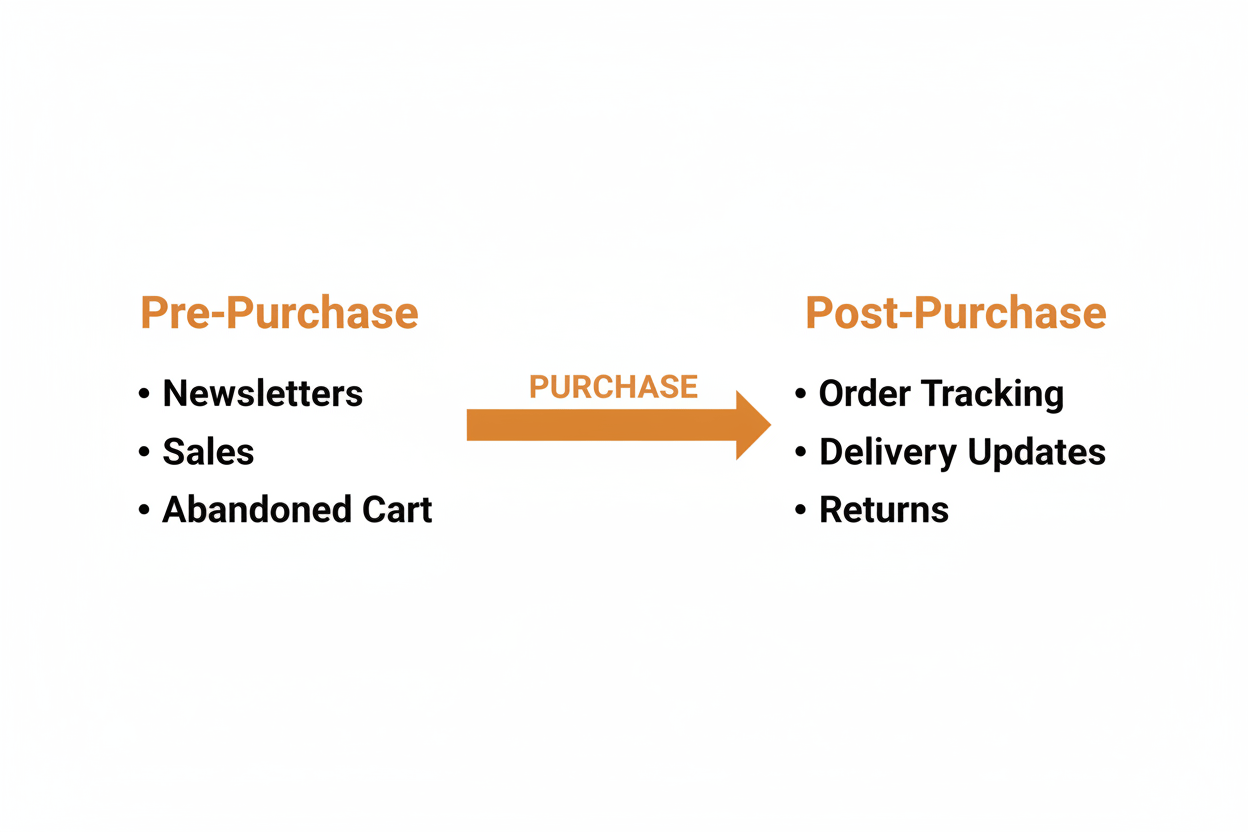
The two connect natively, and Omnisend's own Shopify listing names AfterShip in its Works with section. The documented steps to integrate with AfterShip Tracking are short: install the Omnisend app from Tracking's Apps directory, then paste an Omnisend webhook URL into Tracking's webhook settings, and the webhook is what fires the notifications. The bridge then runs on six delivery events: info received, in transit, out for delivery, failed attempt, delivered, and exception, each able to trigger an Omnisend email or SMS.
The gate matters more than the setup. The help article for this integration is marked "Plans: Premium, Enterprise", and API and webhooks access is a Premium feature, so the bridge runs on Tracking Premium at $70 a month, the top of the ladder covered above. There is no version of this pairing that is free.
So work out when it pays for itself before you buy it. Take your monthly count of "where is my order?" contacts, multiply by the minutes each one takes you to answer, and price that time at whatever your hour is worth. Then multiply by the share you expect to deflect with proactive updates. Compare that against the monthly cost of the bridge. You know those numbers for your own store, and nobody else's averages are worth substituting for them.
This is the answer at the top of the band. At 500 orders a month, with support time already leaking, that arithmetic is worth running. At 60 it rarely is, so run the pre-purchase side well and revisit when volume forces the question.
What About When Things Go Wrong? Managing Returns
Returns are where a small team's process breaks first, because every one of them starts as an email thread you have to chase. A self-service portal removes that. The customer files the return, your rules decide what they are offered, and the label arrives without you touching it.
The plan that fits this reader is Return Care, the revenue-share plan. There is no monthly software fee. Shoppers opt in to a small fee at checkout that funds their future returns, and AfterShip earns a share of that fee. Your returns operation gets funded by the customers who want the coverage, rather than by a subscription you pay whether returns happen or not.
Check what you need before you plan around it: a Shopify store, AfterShip Returns installed, the Return Care widget on your cart page, and a card on file for billing. Return Care is currently available to merchants in the United States and Australia.
AfterShip Returns and Exchanges is rated 4.7/5 by roughly 1,391 Shopify merchants. Fellow cut return resolution time by 52%, from 14.46 days to 7.52 days in under six months, and now converts almost 15% of refunds into exchanges. Fellow is a larger operation than a 200-order-a-month store, so treat that as the mechanism working, not a number you will match in your first quarter.
If you would rather pay a flat subscription and keep the return economics in-house, the paid tiers are there: Essentials at $19 a month for 20 returns, Premium at $119 for 100. That is the fallback, not the starting point.
Final Recommendation: Build Your Stack, Not Just Your List
On Mailchimp vs Omnisend, the verdict stands: Omnisend, for the reasons the free plan row made obvious. Get it installed and get your abandoned-cart flow live.
Then treat the next decision as a marketing decision, because it is one. Your first high-leverage investment after the email tool is a unified post-purchase solution, owning the part of the journey your customer already pays the most attention to.
Start where your volume puts you. Under the entry cap, the free plan does the job. The moment "where is my order?" starts costing you real hours, Essentials is the step that pays for itself, and Premium is the tier to reach for when you are ready to run the connected stack. Building the list is the easy half. Building the stack is what keeps the customers on it.
Proactive shipment tracking that delights your customers, reduces WISMO tickets, and optimizes your delivery performance.
Book a demoFrequently Asked Questions
Which is better for Shopify, Mailchimp or Omnisend?
Omnisend, for a small Shopify store. Its free plan includes the pre-built automations that Mailchimp's free plan leaves out, and G2 scores it higher on ease of use, setup, admin and support. Mailchimp is better known and gives more design control for general newsletters, which matters more for a blog than for a store.
Does Omnisend still include SMS?
Yes, and it sits inside the same workflow builder as the email, so one flow can send both. The packaging changed in 2026: for accounts started on or after 4 May 2026, SMS requires the Pro plan, while Mailchimp offers SMS from Essentials, its lowest paid tier.
Do I need a separate tool for order tracking?
If you want anything beyond the shipping confirmation, yes. Omnisend's own documentation says multiple shipping stages require a third-party tracking app, and it names AfterShip first. An email platform fires on your store's fulfilment event. Only a tracking platform sees the carrier events after it, including delays and failed attempts.
What does it cost to connect Omnisend and AfterShip?
The integration runs on AfterShip Tracking Premium at $70 a month, because it works through webhooks and API access, which are Premium features. Below that tier the two still work side by side, they just do not talk to each other.
Can a small store offer covered returns without a monthly fee?
Yes, through Return Care, AfterShip's revenue-share plan. There is no monthly software fee: shoppers opt in to a small fee at checkout that funds their future returns, and AfterShip takes a share of that fee. You need a Shopify store located in the US or Australia, AfterShip Returns installed with the cart widget added, and a card on file to remit the fees. For a store watching every subscription line, a returns portal that costs nothing to run is rare.
