ShipStation's cheapest plan is $14.99 a month for up to 50 shipments, which is why new stores go looking for a free alternative. The catch: the "free" tools each charge you somewhere else: a monthly label cap, a two-carrier limit, or an automatic jump to a paid plan the moment you grow. AfterShip Shipping's free plan covers 10 labels a month across 100+ carriers, and the first paid step is $11 a month for up to 100 labels, so you start free and scale on a straight line instead of hitting a wall.
If you want a ShipStation alternative free of a monthly bill, here are four options, compared on how each charges. Brands ready to pay for a plan can start with Easyship, ShipStation and Shippo side by side.
The "Free" Shipping Software Trap: 3 Things to Watch For
You have made your first ten or twenty sales, you are typing addresses by hand, and most shipping apps you open advertise something free. What they do not say on the pricing page is how the tool gets paid instead, and that is where the hidden costs of free shipping software sit.
The free tier that upgrades itself. Shippo is free up to 30 labels monthly, then auto-upgrades to a paid plan. The mechanic matters more than the cap. The first label past the allowance triggers the upgrade, billed from your next cycle, so one good week is enough to change your plan.
The two-carrier scope. Pirate Ship is a free shipping tool supporting only USPS and UPS. The company states that the carriers pay it, which is why there is no software fee at any volume. The limit is on scope, so check it against the parcels you actually send before you decide.
The limit you discover later. The third trap carries no price. It is the allowance, the plan gate or the behavior that is not disclosed up front, and that you meet after you have connected your store, set up your package sizes and learned the interface. A paid tier is normal. Every tool has one. The fault is finding out in month four what you needed to know in week one.
Before you commit to any free tool, get answers to these:
- How many labels a month does the free plan cover?
- Which carriers can I reach on it?
- Does connecting my own carrier account cost anything extra?
- What happens the month I go past the allowance?
- Who sends my customers their shipping emails?
AfterShip states its own limits plainly and up front.
How Popular "Free" ShipStation Alternatives Stack Up
Whether you are weighing Pirate Ship vs ShipStation or Shippo against both, eight criteria decide this at your volume, from how each tool charges to what happens after the label prints.
| Criteria | AfterShip Shipping | ShipStation | Shippo | Pirate Ship |
|---|---|---|---|---|
| How it charges | Free plan, then a subscription that scales with your label volume | No free plan; paid after a 30-day trial | Free plan, then a subscription by volume | No software fee; paid by the carriers |
| Free allowance | 10 labels a month on the free plan | None | 30 labels a month | No software fee |
| Monthly cost at 25 labels | $11 (Essentials plan, up to 100 labels) | $14.99 (Starter, up to 50 shipments) | $0 (Starter) | $0 |
| Monthly cost at 100 labels | $11 (Essentials plan, up to 100 labels) | $29.99 (Starter, up to 100 shipments) | $19 (Pro, up to 200 labels) | $0 |
| Carrier access | 100+ carriers supported for labels | Multi-carrier | Multi-carrier | USPS and UPS only |
| Automation | Smart Carrier Recommendation (all plans); rule-based automation on Pro and up | Basic automations on Starter | Automations on the free Starter plan | No automation rules |
| Growth path | Same account and login; move up a plan in place as you grow | Paid after a 30-day trial | Auto-upgrade to a paid plan on the 31st label | Free at any volume; USPS and UPS only |
| What happens after the label | AfterShip Tracking (free plan with a branded tracking page) and AfterShip Returns, each free to start on its own plan, on the same account and login | Notification emails and return labels; branded tracking from Standard | Tracking page, notification emails and return labels; branding on Pro | Tracking emails and return labels |
Prices read September 19, 2026, monthly billing. Shippo Pro is $17 a month on annual billing ($205 a year).
Start with whether a free plan exists at all. ShipStation does not have one. You get a 30-day free trial, then paid tiers priced by shipment volume.
The free allowance is the next line to read. Shippo is free up to 30 labels a month, and moves you to a paid plan automatically once you pass it.
Carrier access is the constraint to check against your own orders. Pirate Ship covers two carriers, so weigh that against where your parcels actually go. Etsy is also not on its published integration list, according to the company's support article dated June 9, 2026.
If your store is going to grow, the growth path is the row that decides it. AfterShip Shipping's free plan is a standing plan with a stated allowance, and growing past it is a plan change inside the same account, not a move to a new tool. 3PLs facing the same pricing question across client accounts can read the ShipStation alternative for 3PLs.
There is a more in-depth comparison of AfterShip and ShipStation, and our comparison of which shipping tools are best for small businesses.
One merchant put it plainly:
user friendly, great customer service would highly recommend this app
The Diva Goddess, United States, 5/5, Shopify App Store, September 2024
Introducing AfterShip Shipping: A Truly Free Plan Built for Growth
AfterShip Shipping's free plan includes 10 shipping labels a month. That allowance is stated on AfterShip's pricing page and its Shopify App Store listing.
On the free plan you can connect and generate labels across 100+ carriers and access a discounted USPS account; the broader multi-carrier discounted rates negotiated through AfterShip's partner Easyship begin on the Essentials plan and up.
The part worth understanding is Smart Carrier Recommendation, which runs on every plan, free included. It recommends a carrier service for each shipment, and it excludes services with a high exception rate for that origin and destination, based on AfterShip tracking data. It re-evaluates every shipment, so you are not maintaining rules as rates and carrier performance shift underneath you. It recommends the service. You still create the label.
Picture two services close on price for the same parcel. If one has a high exception rate on that origin and destination in AfterShip's tracking data, it is left out before the recommendation is made. The recommendation you see has already set aside the service with the worse record on that lane.
What you get alongside it on the free plan:
- an order management dashboard
- label creation and rate calculation
- one of your own carrier accounts
- store connections for Shopify, WooCommerce, BigCommerce and TikTok Shop, plus manual order entry
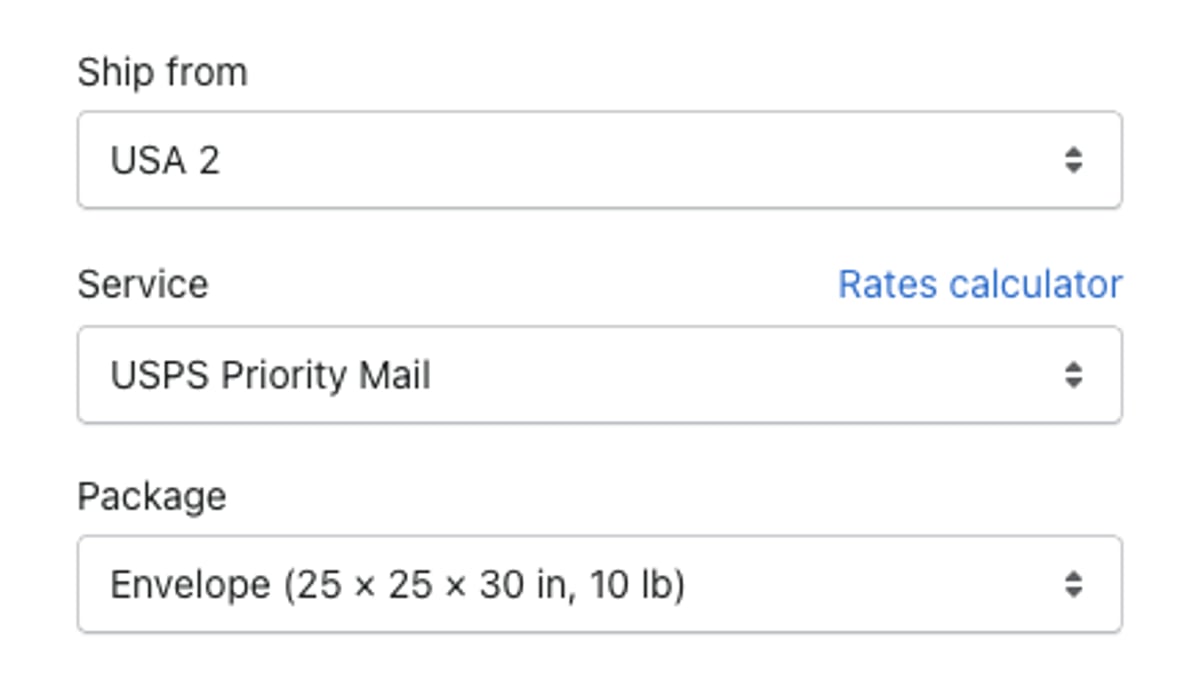
An API is available on the Pro plan.
Now the limits, up front. The free plan covers 10 shipping labels a month. Automated shipping rules start on Pro, not on the free plan or Essentials. You can read the details of AfterShip's free shipping plan before you install anything.
Why Your Shipping App Should Do More Than Just Print Labels
Printing the label feels like the finish line. Two or three days later the messages start: where is my package, and can I send this back.
AfterShip covers shipping, tracking, returns, and warranty, and each AfterShip product is free to start on its own plan, so the same account and login can add tracking and returns without a new subscription. AfterShip Tracking has its own free plan with a branded tracking page. The honest limit: shipment notification emails begin on the Essentials plan, so on the free plan the benefit comes from the self-serve branded tracking page where shoppers check status themselves instead of writing to you. At 10 to 20 orders a month, a customer who can check status on a tracking page has less reason to email you, and every email you do not answer is time back for your business.
Return Care is AfterShip's $0 platform-fee returns option for eligible Shopify stores, funded by an optional fee shoppers pay at checkout to unlock free returns.
There is a reason these sit together. Smart Carrier Recommendation draws on the same AfterShip tracking data that powers the tracking page, so your shipment data and your post-purchase data live in one place rather than split across separate tools.
Proactive tracking visibility measurably cuts "where is my order" contacts for AfterShip customers. StackCommerce reduced its WISMO tickets by 71% using AfterShip Tracking. The free plan's branded tracking page is where a new store starts.
When Will I Need to Upgrade? (An Honest Answer)
Every free plan ends somewhere. Here is where this one does, so you can see the whole runway before your business starts down it.
You should consider upgrading your AfterShip plan when: 1) You consistently ship more than 10 orders a month. 2) You want to customize your branded tracking page with your own domain and marketing assets. 3) You need advanced returns automation rules to save on costs.
Each of those belongs to a different product, and you upgrade just the one you have outgrown.
- Trigger 1 is AfterShip Shipping. Essentials is the next step, and it is where bulk label creation starts.
- Trigger 2 is AfterShip Tracking. Your own domain and marketing assets on the tracking page sit above the free plan.
- Trigger 3 is AfterShip Returns. Returns automation is a Returns plan question, not a Shipping one.
Two smaller thresholds sit alongside them: rule-based shipping automation starts on Pro, and shipment notification emails start on Tracking's Essentials plan.
The Verdict: What's the Best Free ShipStation Alternative in 2026?
The best free shipping software for e-commerce depends on the store you are building: when performance, analytics, and economics start to matter, AfterShip is the specialist choice.
If your store will only ever ship a few parcels a month, and only by USPS or UPS, Pirate Ship covers that with no software fee. If you expect to need another carrier or more than a handful of labels, AfterShip Shipping starts you on a multi-carrier tool from day one.
Choose Pirate Ship if:
- your store ships a handful of parcels a month by USPS or UPS only, and you do not expect to need another carrier.
Choose AfterShip Shipping if:
- you want a discounted USPS account on the free plan, with more carriers available on the same plan;
- you want a carrier service recommended for every shipment on every plan, including free, using AfterShip's own tracking data to exclude services with a high exception rate on that lane;
- you expect to grow past 10 labels a month and want the next step to be a small plan change in the same account, not a new tool;
- you want your free plan's limits (10 labels a month, rules on Pro, tracking emails on Essentials) laid out before you commit.
Frequently Asked Questions
Is Pirate Ship really free?
Yes. There is no monthly fee and no per-label fee. Pirate Ship says it is paid by the carriers rather than by you, which is why the software costs nothing at any volume. The scope is the thing to check: it covers USPS and UPS only.
What's the difference between Shippo and ShipStation?
They are paid for differently. ShipStation has no free plan: you get a 30-day free trial, then paid tiers priced by shipment volume. Shippo starts free, up to 30 labels a month, and moves you onto a paid plan automatically when you cross the cap. One charges after a fixed trial period; the other charges once your volume passes the allowance.
Can I use a free shipping app for my Etsy store?
Etsy sellers can print labels inside Etsy's own shipping-label tool at Etsy's published rates. Etsy now requires shipment and delivery notifications for Etsy orders to come from Etsy itself, which limits what any third-party post-purchase tool can send for those orders. If you also sell on Shopify, WooCommerce, BigCommerce or TikTok Shop, AfterShip Shipping is available there.